







Mission Control · Lens 3
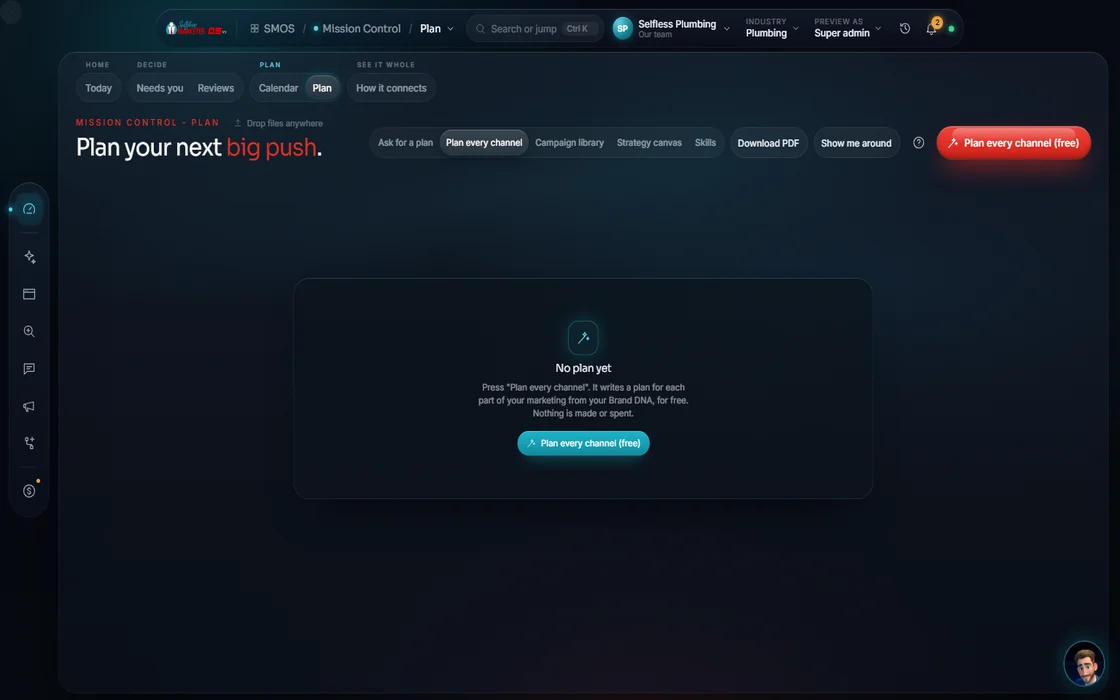
What's the plan? See the whole plan before it touches anything.
Strategy canvases for your quarter, first move and growth plan. Each move shows what runs, what's gated and its cost. A $0 preview shows all it would touch.
 demo business
What it is
A plan you can see all the way through
Your plan lives here. Start from a canvas: Full plan, Local launch, Reputation, Lead-gen funnel, Storm response, New-patient funnel or Beat-the-heat. Your assistant fills it from what the OS knows. Moves are tagged Will run, Gated (needs connect) or Est. cost.
The big one: “Preview blast radius”, a read-only dry run of every page, post, ad and department a plan touches. It costs $0. Nothing runs or is charged.
It fixes the scariest part of marketing software: pressing a button blind. You see the ripple first. Running writes drafts only (keywords, draft posts, an ad draft) after an explicit confirm. Nothing is published or spent.
For owners who want a plan, not a task pile, and anyone burned by a tool that went live too early.
Walk it
From a blank board to drafts in 5 steps
- 01
Pick a canvas
Full plan, Local launch, Reputation, Lead-gen funnel, Storm response, New-patient funnel or Beat-the-heat. Each opens as its own live canvas.
example data - 02
Let your assistant seed it Your assistant
He fills moves from your Brand DNA, industry and connected departments. Board empty? Seed a blueprint and preview again.
- 03
Read every move
Each move says Will run, Gated (needs connect) or Est. cost, so you know what's ready.
- 04
Preview blast radius Free
A read-only dry run shows everything the plan would touch. Nothing is run or charged.
- 05
Confirm to write drafts Approve
An explicit confirm writes drafts only: keywords, draft posts, an ad draft. Each lands in its department and your approvals queue.
Everything included
Everything on the Strategy Board
Canvases
- Your live strategy canvases, saved
- Department nodes on every board
- Seed a blueprint when a board is empty
Every move
- Will run
- Gated (needs connect)
- Est. cost
- Dry-run readiness check
Safety
- Preview blast radius ($0), read-only
- Nothing run or charged on preview
- Explicit confirm to run
- Run writes drafts only
- Spend is always a separate request
- Every draft lands in the approvals queue
The rules it follows
- Plan: Builds moves from your real context.
- Sort what's ready: A move that needs an account you haven't connected is marked gated, not hidden.
- Show the cost: Estimates are labeled Estimate. Spending is always a separate request.
- Preview the ripple: Read-only. Nothing runs, nothing is charged, nothing is written.
- Pick a ready-made plan: 21 templates, each a 5-7 platform net with 10-15 touches; you approve the strategy before anything is made.
Who runs it
YOUR TEAM with the OS, or OUR TEAM for you.
- Pick the canvas that fits your goal
- Read the blast radius before you confirm
- Approve the drafts you want to go out
- Seeds the board from your real context
- Tags every move: will run, gated, est. cost
- Runs the $0 dry run on request
- Builds your quarter with you on the monthly strategy call
- Turns the approved plan into finished work
- Shows each step in your dashboard as it's done
Done-For-You includes a monthly 1-hour status and strategy call as needed. See your project manager.
Built: canvases, move tags, the $0 preview and the draft-writing confirm. A confirmed run streams live on the board, and its drafts appear in each department and your approvals queue.
Keep going
Related pages
Try the OS
Our free trial is starting soon.
The same tools we use for our done-for-you clients. Our 7-day free trial is starting soon. Until then, book a call and a real person walks you through the OS. $997 a month, first month $497. No contracts.

YOUR TEAM runs it with the OS, or OUR TEAM runs it for you with Done-For-You. Not sure? Which one fits me?