







Website
Your 24/7 Conversion Machine. Not a brochure.
Describe your business once; get a full plan for your site. On Done-For-You we build it with the owner admin, customer portal and technician app, checked 24 ways.
 demo business
What it is
A business-in-a-box, not a brochure
The old way: 2 to 3 weeks for a site, days to a week per change, and a pricey brochure while booking, estimates and follow-up live elsewhere.
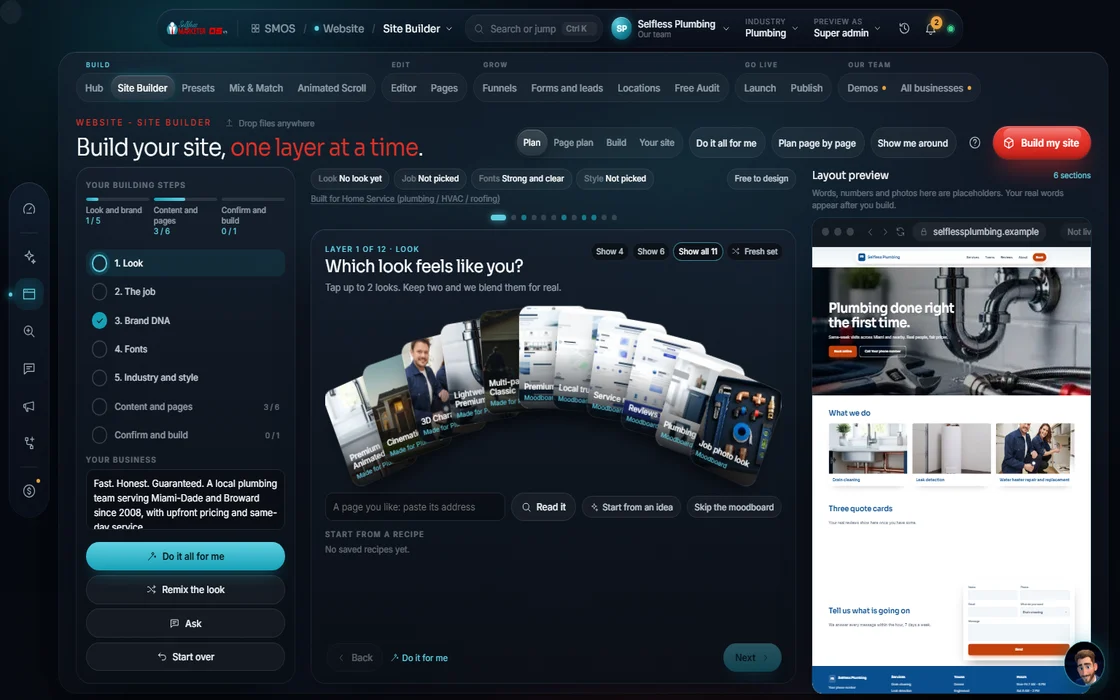
Here, you tell your assistant about your business once, or paste your site. Pick a look and pages as the preview repaints. The OS builds it free and checks it before launch.
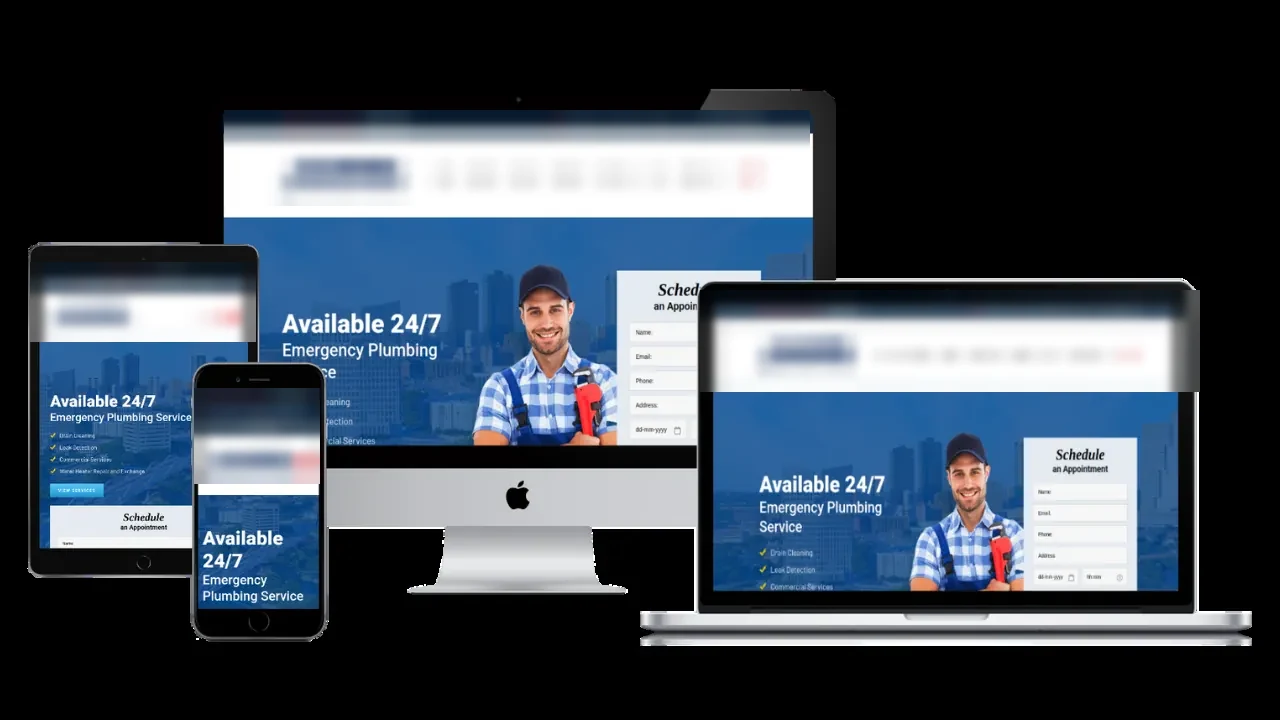
A business-in-a-box with four faces. The 54+ page public site: home, every service, service areas and cities, gallery, reviews, plans, 4-step booking, contact, emergency, careers, legal. Plus 3 apps: owner admin (17 tools), 8-tab customer portal, crew technician app.
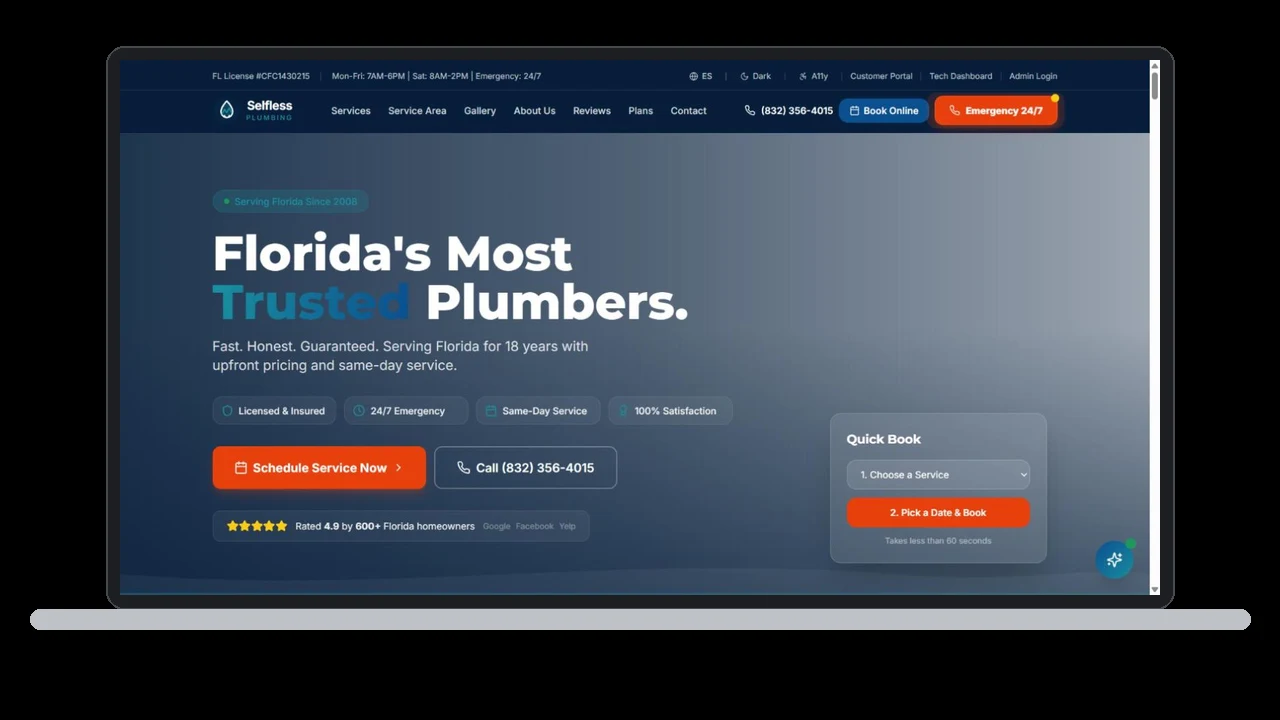
Our live plumbing site, plumbing.selflessmarketer.com, is the floor, not the goal: 54+ pages, all 3 apps, demo logins. Every site we build has to beat it.
For local businesses tired of waiting on a web guy, who want site, booking, estimates and follow-up in 1 place.
 Real
Walk it
Walk the 14 steps
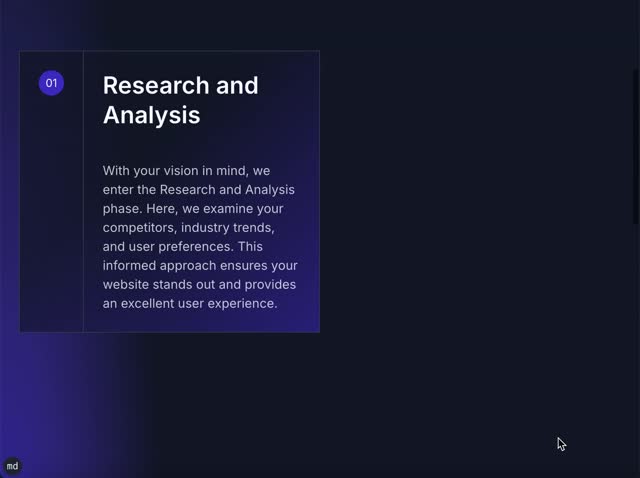
14 steps in 3 stages: Look & brand → Content & pages → Confirm & build. Simple by default, full control on tap. Your assistant can do any step.
- 01
Start with your business Your assistant
Tell your assistant, or paste your current site and it reads it. Pick local (city + radius) or online (buyer keywords).
example data - 02
What are we building? You
Full site, single page or lead page. Full seeds the whole page plan; the others strip the menu to one goal.
- 03
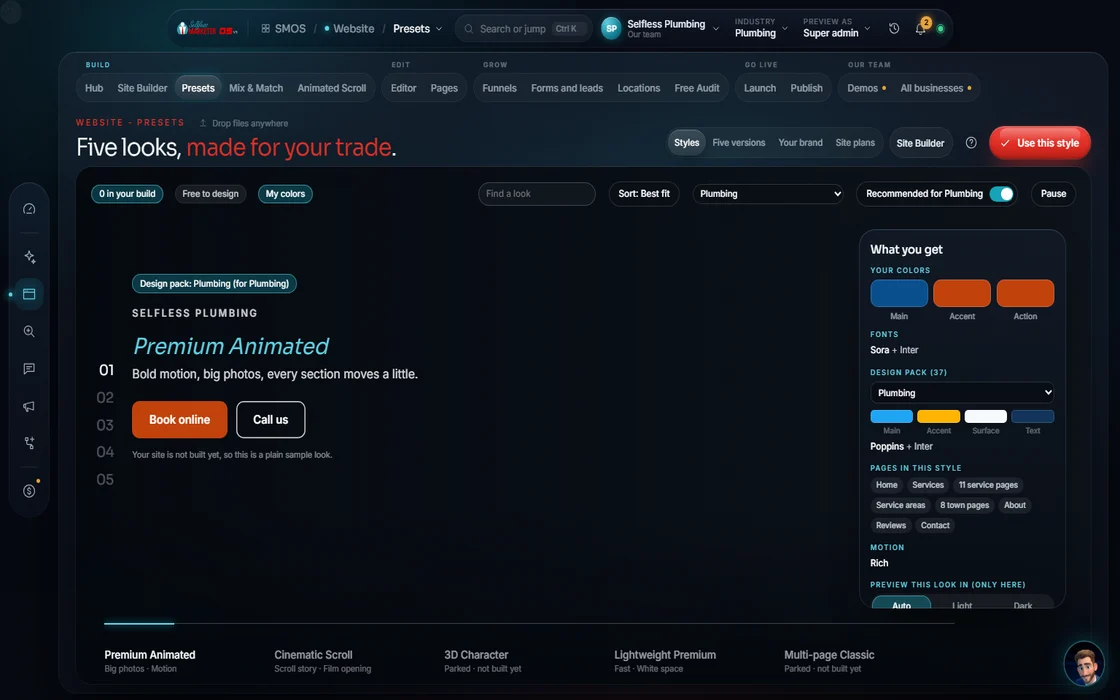
Pick a visual direction
Style presets as real previews in your brand colors, with picks by industry and by what the site must do.
 example data
- 04
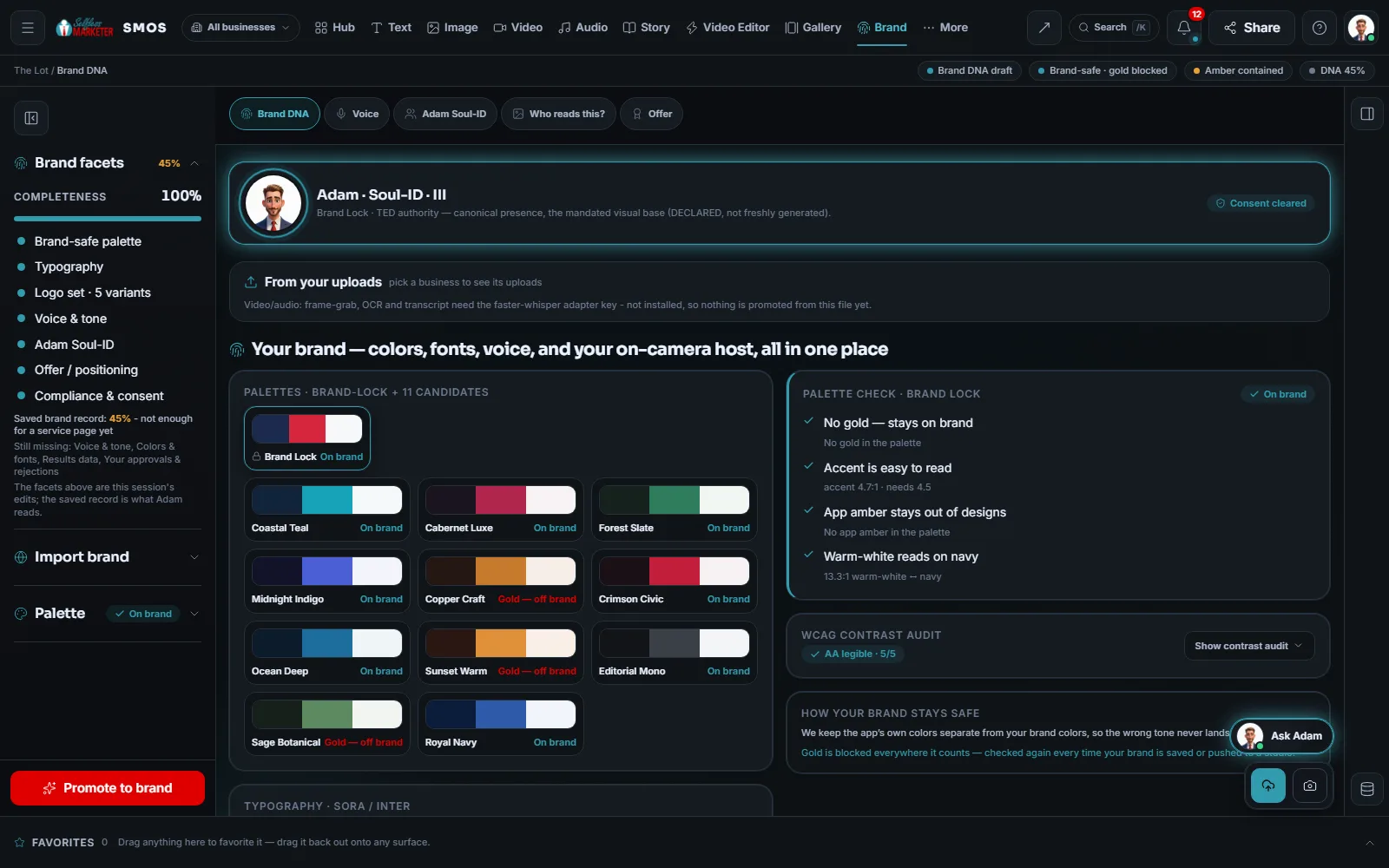
Brand
Paste a link or drop your logo; the palette comes from it. A gold guard and WCAG readable-contrast check run on every color.
 example data
- 05
Fonts
Heading and body fonts come pre-paired, so they look right together.
- 06
Industry + style
Your trade's look, plus tone, persona and language.
- 07
Pages & kinds
Home, a page per service, service areas and cities, landing and offer pages, contact & book. Density: Lean, Balanced or Rich.
- 08
Header shape
8 menu styles: classic, centered, split, dark, mega, pill, transparent and stacked.
- 09
Mix & Match
The block basket of real preview tiles: heroes 6 · proof 6 · features 6 · pricing 5 · FAQ 4 · footers 5 · conversion 10.
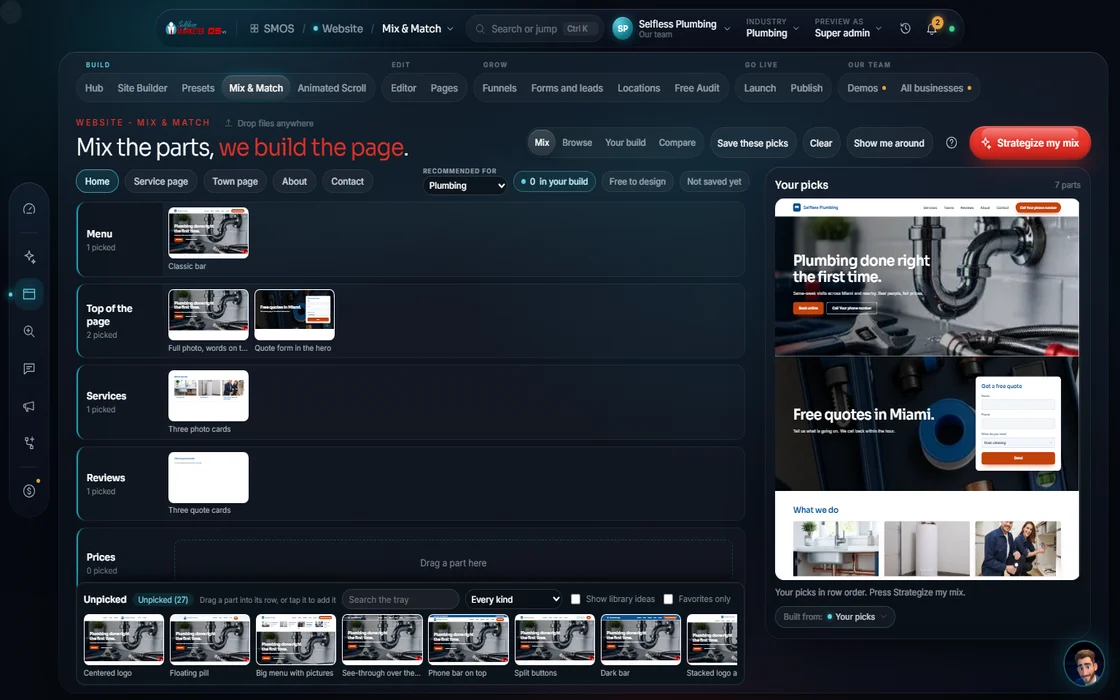 example data
- 10
Imagery style
Photographic, illustrated, 3D render, gradient, duotone or line-art. Your photos and videos come straight from your media library.
- 11
Convert
Pick the one action that matters most: booking, a quote or a call.
- 12
Confirm sitemap Approve
The editable gate. Rename, reorder or drop any page before building. “Strategize my sitemap” plans it from your picks.
- 13
Build Free
Free. Nothing shows as done until it's really finished.
- 14
Launch check → Publish Approve
24 content checks, then speed, SEO and accessibility at publish, with real screenshots at every width. 1 button takes it live.
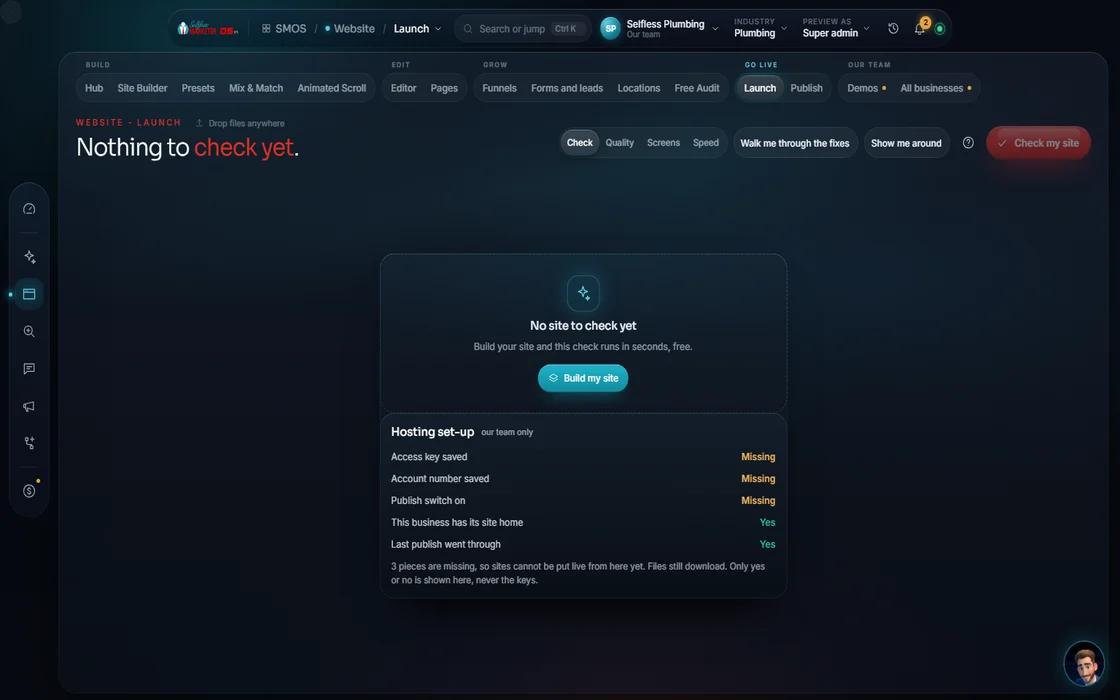 example data
Everything included
Everything the Website department includes
Nothing summarized away. Every count here is a Product fact: what the software has today.
The 11 surfaces
- Website Hub: Idea → Build → Theme → Launch → Publish
- Site Builder: the 14-step wizard
- Animated Scroll
- Block Library
- Editor
- Demos
- Funnels
- Locations
- Launch Check
- Presets
The four faces of every site
- Public site: 54+ views (home with about 16 sections, a services index, a page per service, service areas + city pages, gallery, about, reviews, plans, 4-step booking, contact/emergency, careers, legal, 404)
- Owner admin: 17 tools to run the business (CRM, jobs, invoices, inbox)
- Customer portal: 8 tabs where customers view work and pay
- Technician app: a field app for your crew
- 13 kinds of records that save and sync across roles
- Working role-based logins
- Anything simulated is labeled
7 site types
- Full multi-page
- Single page
- Lead / squeeze page
- Funnel
- Cinematic scroll
- City page sets
- Added pages
Looks
- 52 strategy templates for most trades, each with exactly 1 main action (Call now, Book a time, Get my estimate)
- Most industries have at least 2 templates that fit
- “Keep my brand” paints your colors on top
- 8 menu styles
- 6 imagery styles
- Light, dark or auto
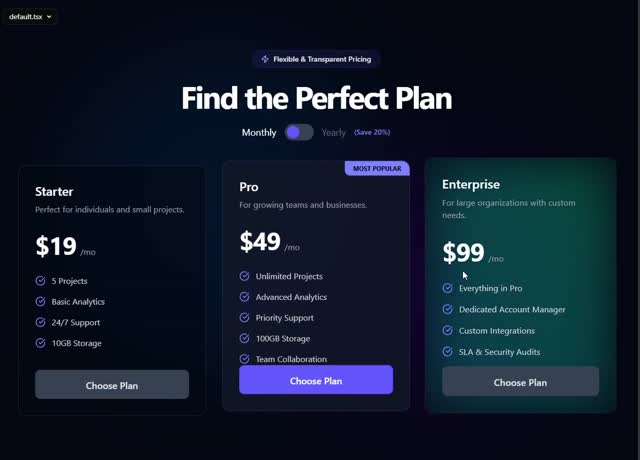
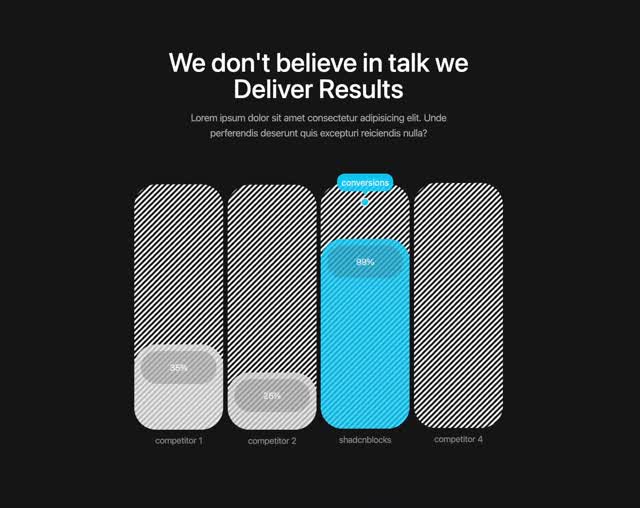
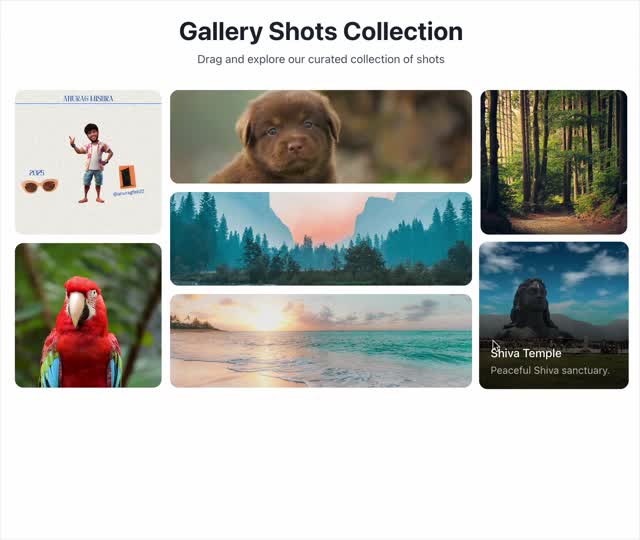
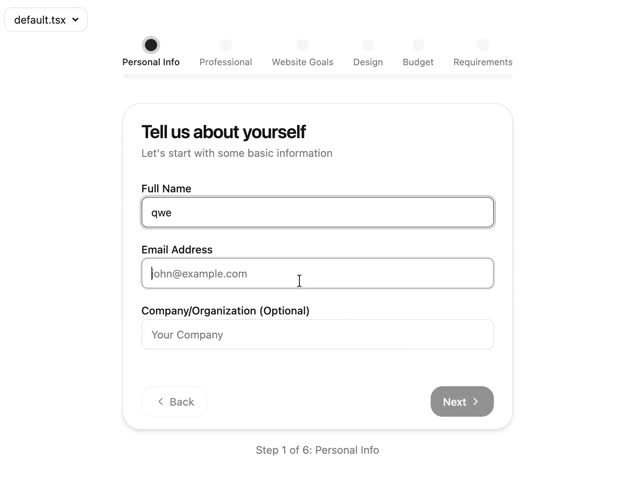
Mix & Match: 42 section variants
- Heroes (6): centered, left, offer, badges, review-proof, minimal
- Proof (6): 3-column testimonials, 4-up reviews, masonry, stat bar, badges, proof avatars
- Features (6): trio, services, alternating, bento, step cards, checklist
- Pricing (5): tiers, financing, toggle, guarantee, two cards
- FAQ (4): accordion, two-column, boxed, search
- Footers (5): columns, mega, call to action, newsletter, slim
- Conversion (10): booking form, lead form, callback, estimate, call button, phone card, financing, booking slots, contact + map, trust/guarantee
- 21st.dev components, once we switch the marketplace on
Conversion recipes and their rules
- Landing-page modules
- Pricing tables
- Squeeze / lead pages
- Quiz pages (ask, then capture)
- Geo-SEO page sets (a page per service area)
- Rules: one promise, one action · fewer fields · a trust row under the button · no carousel · real numbers only · anchor high, feature the middle tier · no fabricated “most popular”
Editing
- Insert a hero form or a call-to-action banner
- “Just tell your assistant”, typed or spoken
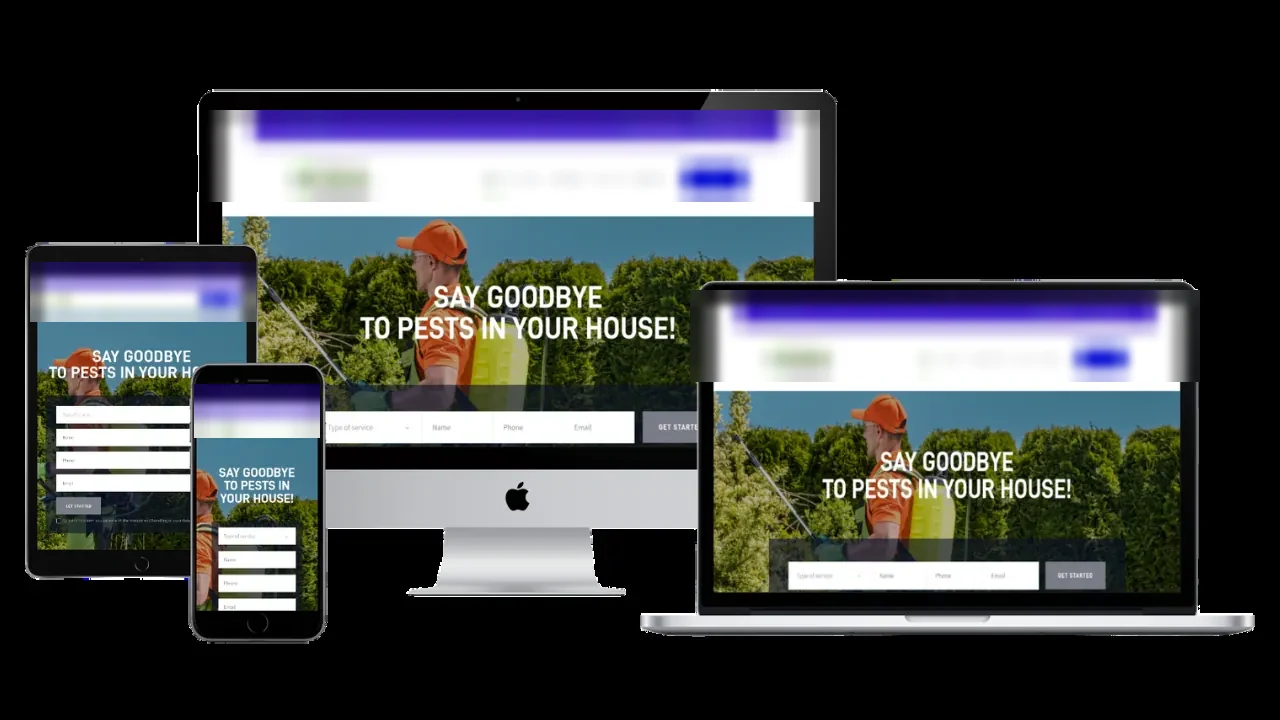
- Desktop, tablet and phone views
- Named revisions; drafts never touch the live site
- Free text edits; re-light, background swap, style transfer, B-roll and product mockups at build
- Every edit branches a version you can go back to
Animated Scroll
- A cinematic hero from your own photos
- Pinned sections, parallax bands, scrub timelines
- A call to action that lands on exit
- Trade openings: roofing (dramatic), build-up (construction), water-flow (plumbing), energetic (electrical)
- A motion dial plus a reduced-motion preview
- Never on emergency, booking or quote pages
City pages
- Radius ring and city pins from your address
- Every city × service becomes a page
- Unique intro, NAP, map, Google profile link on each
- Reviews only when real reviews are connected
- LocalBusiness schema on every page
- A quality gate holds thin or duplicate pages
- NAP check at publish; hands off to SEO & AI Search
Funnels
- 10 step types: squeeze, opt-in, video sales letter, webinar, registration, offer, upsell, downsell, confirm, thank-you
- Legal pack drafted: privacy (GDPR/CCPA starting point), terms, results disclaimer, cookie consent
- Tracking: Plausible (cookieless), GA4, Google Ads tag, on at publish
Launch Check & Publish
- 24 content checks in 6 groups: filler, copy distinctness, structure & buttons, design & contrast, media, honesty & facts
- Speed, SEO and deep accessibility at publish
- Real screenshots at every width
- Hosting: fast worldwide network, quick setup with preview links, or your own server
- A private link, a hidden test address, or your real domain
- DNS at Cloudflare, your registrar or anywhere else
- Every version saved for rollback
- Site audits: run the Free Audit on your own site any time; past audits and their PDFs stay listed
Demos
- The live 54+ page plumbing site with admin, technician and customer demo logins
- See our live plumbing demo
- More trades are on the way
The rules it follows
- Write it: Template copy with a labeled placeholder for any missing detail, never a made-up fact.
- Capture: Forms on sites our team builds go straight to your CRM. Forms on OS-built sites are on the way.
- Get read by search and AI: Google business data (JSON-LD) on your location pages.
The engines behind it
- 218-layout library + 261 blocks: Every section the builder can drop in (local, $0)
- Lenis + GSAP + Three.js: Smooth scroll, pinned scenes and 3D heroes (free)
- Lighthouse, axe, pa11y: Speed, SEO and accessibility checks (local, $0)
- BiRefNet + IC-Light: Background swaps and re-lighting your photos to the brand mood, at build (free engine, $0)
- Cloudflare: Fast worldwide hosting, DNS and easy rollback (metered, asks first)
- Plausible, GA4, Google Ads tag: Tracking that turns on when you publish (free)
- See every engine in this group
Who runs it
YOUR TEAM with the OS, or OUR TEAM for you.
- Describe your business once (or paste your current site)
- Pick a look, your pages and the one action you want
- Approve the page plan and the launch
- Send photos and videos of your work
- Reads your old site and keeps what works
- Plans your pages; on Done-For-You our team builds the 3 apps
- Themes everything to your Brand DNA
- Writes a unique page per city × service
- Runs the 24-point check and publishes with schema and a sitemap
- Custom logo design, full copywriting, graphic design
- Landing pages, sales funnels, contact forms
- Premium hosting and unlimited updates
- Website security (SSL), page speed optimization, backup systems
- Web chat: coming to your site, conversion tools, social media integration
- Search engine optimization
- A free website audit
On Done-For-You our team builds it and keeps it updated, and every change shows up in your dashboard as we make it. See Website Development, done for you.
Step 9, second row
21st.dev components you can browse once the marketplace is on
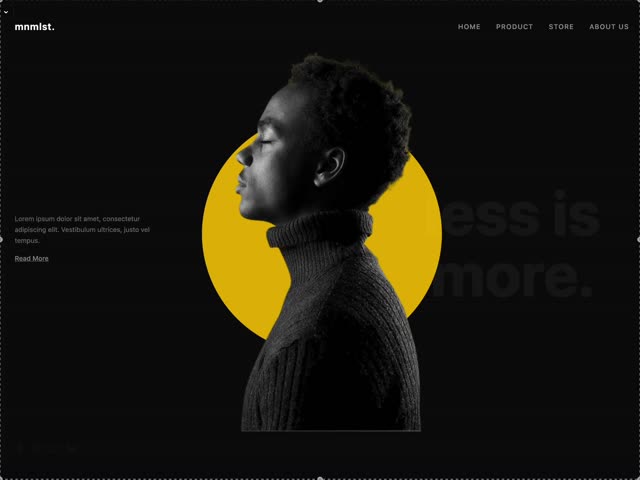 Real
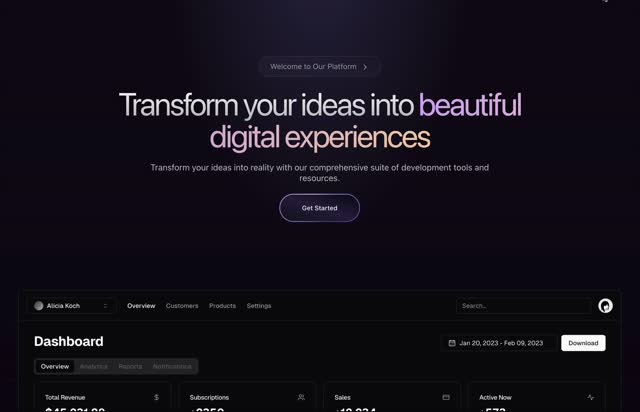 Real
 Real
 Real
 Real
 Real
 Real
 Real
Receipts
See it built
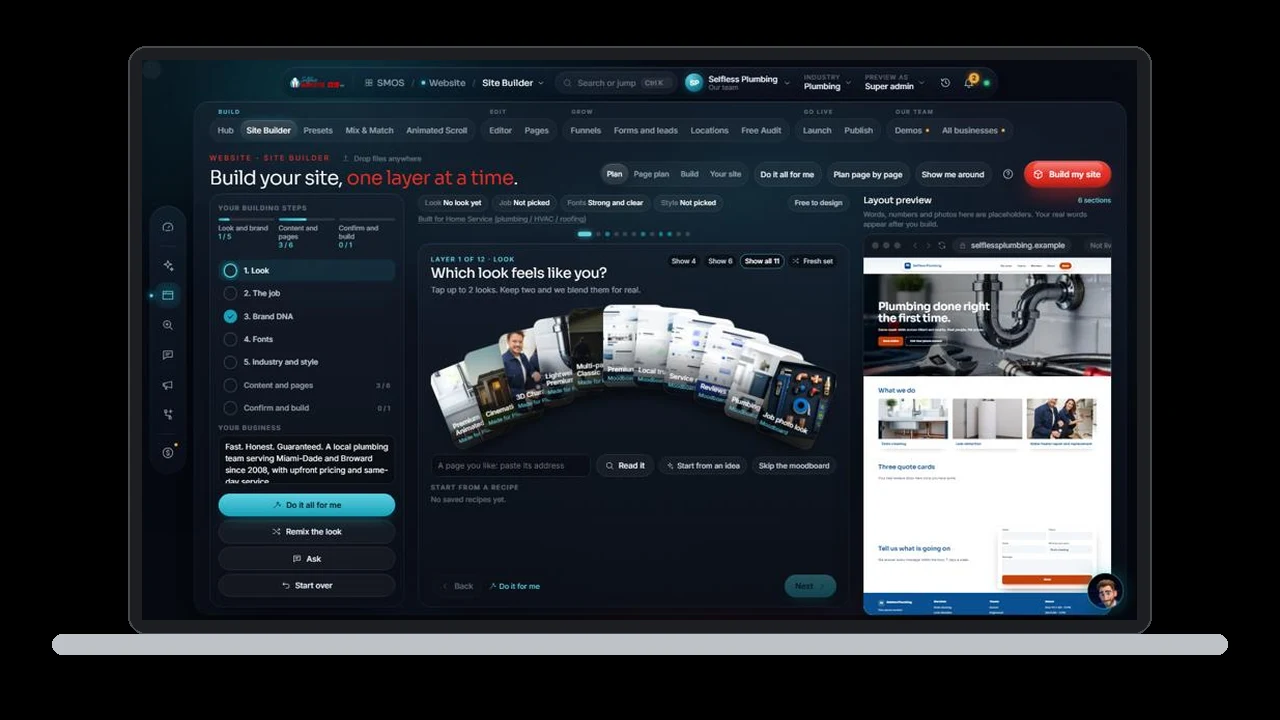
Built: wizard, presets, block library, editor, scroll composer, city pages, funnels, launch check, publish. Funnel lead endpoint, tracking, hosting and payments switch on at publish. The live 21st.dev marketplace switches on when we connect it. Nothing shows live until then.
Go deeper
Every Website page
Each surface has its own page and walk-through.
Site BuilderThe 14-step wizard: describe it once, get a whole sitePresetsStarting styles, painted in your brandBlock LibraryEvery section as a real preview, plus 21st.dev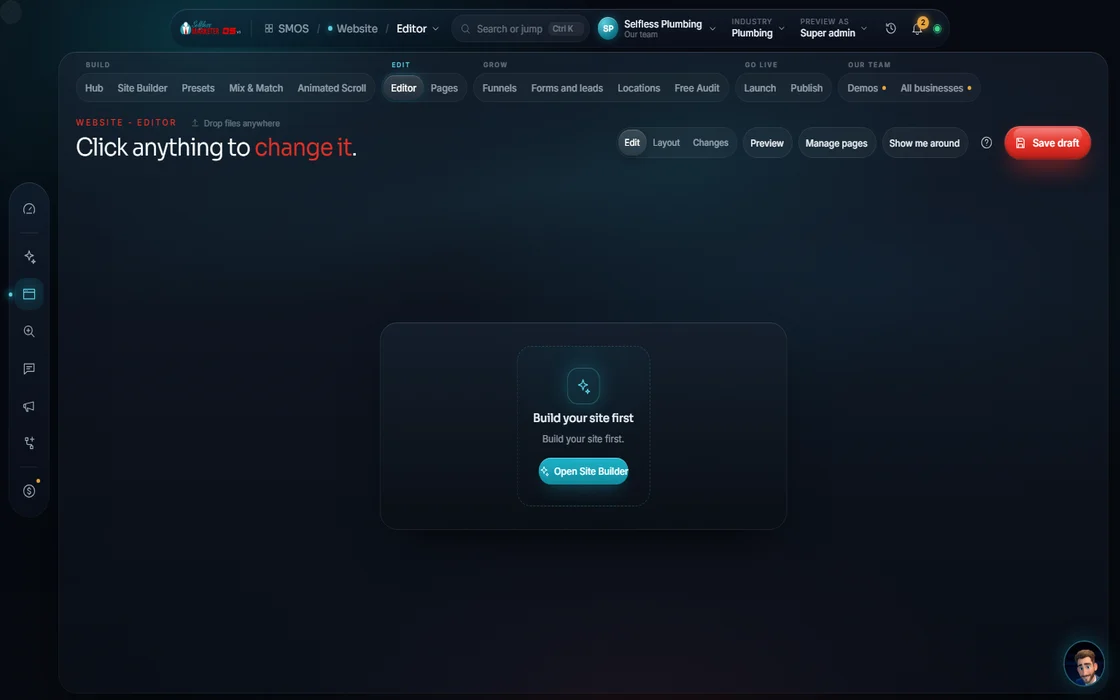 EditorClick, drag or just tell your assistant
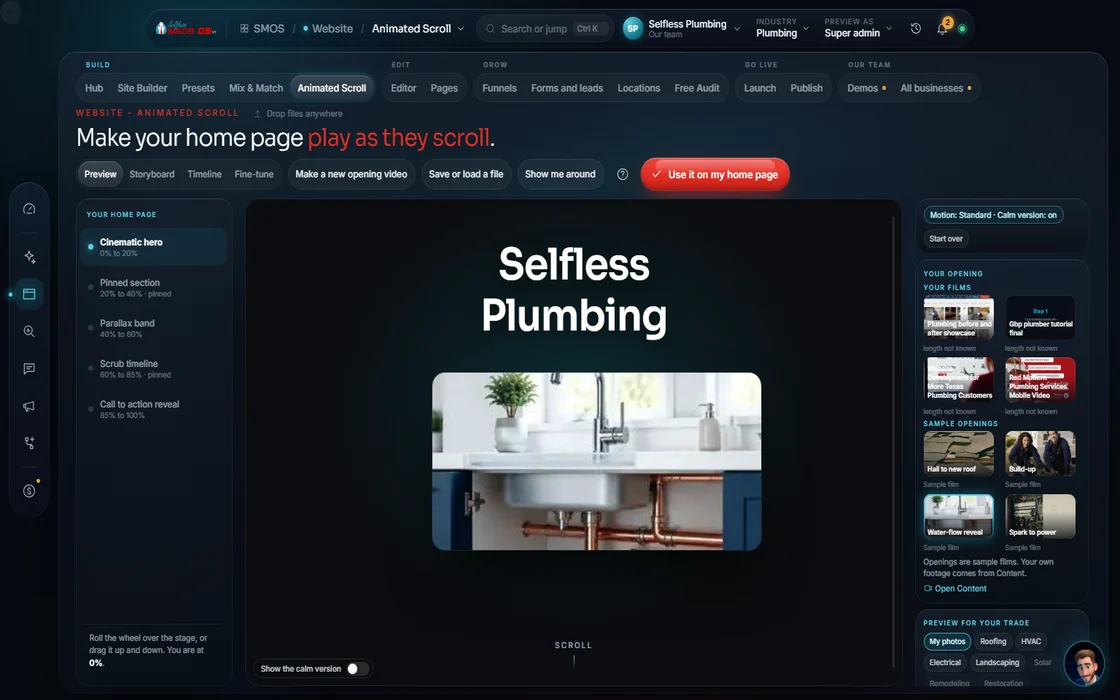 Animated ScrollCinematic scroll, only where it helps
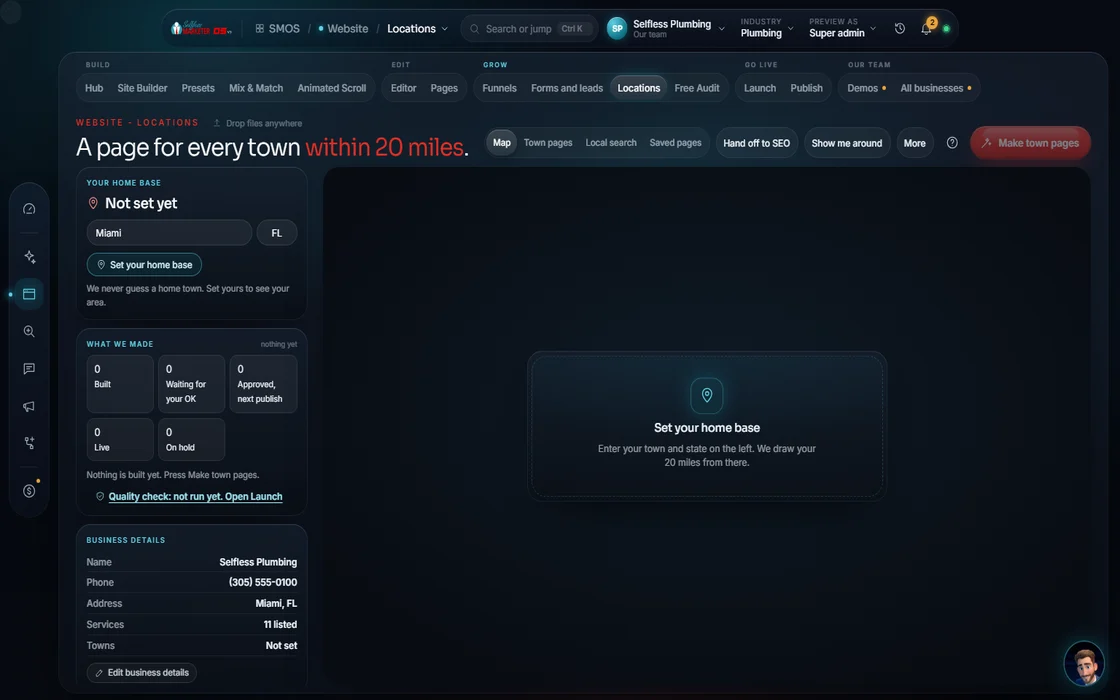 LocationsA unique page for every city × service
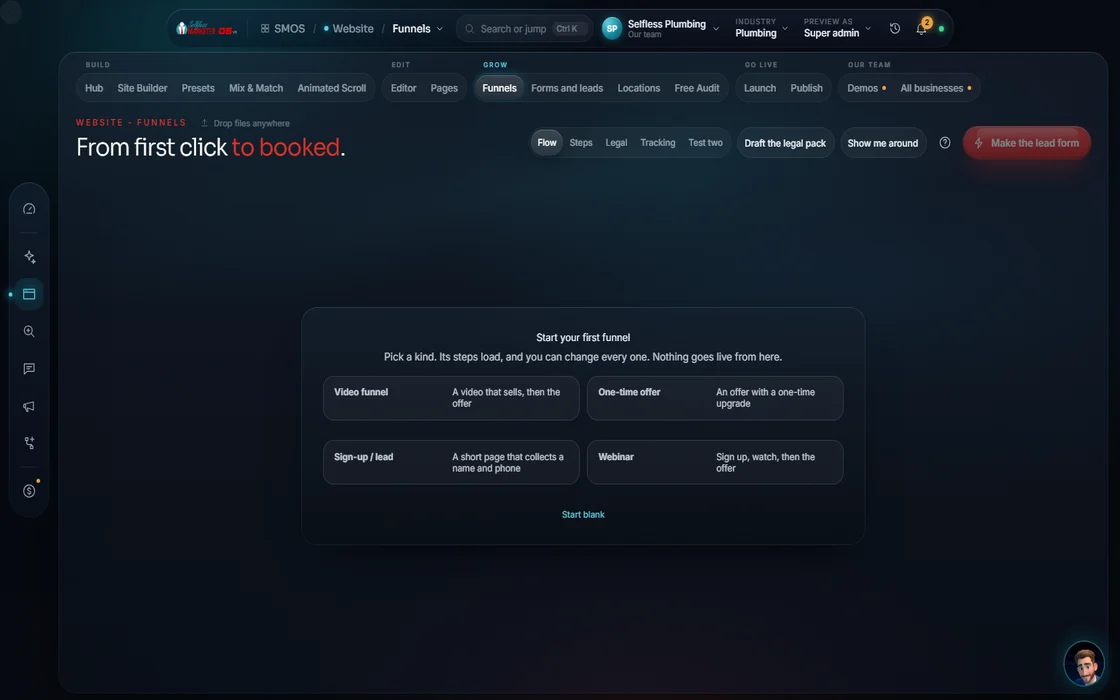 Funnels10 step types, the legal pack and trackingLaunch Check24 checks; we never fake a passing score
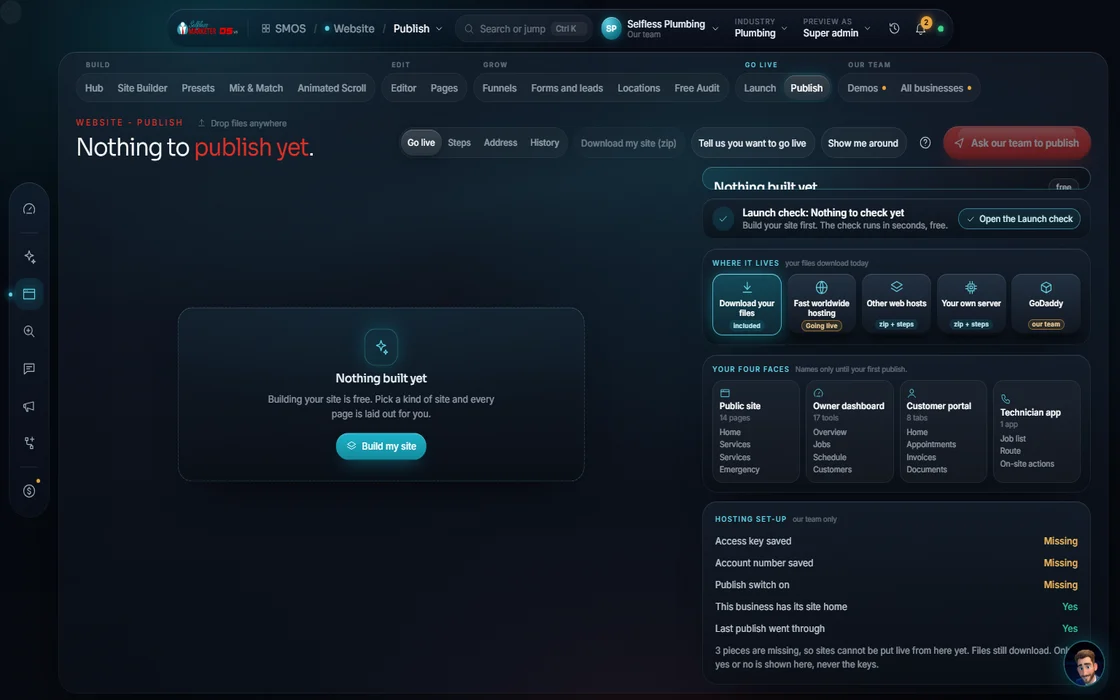 Publish1 button: hosting, domain, SSL, rollback
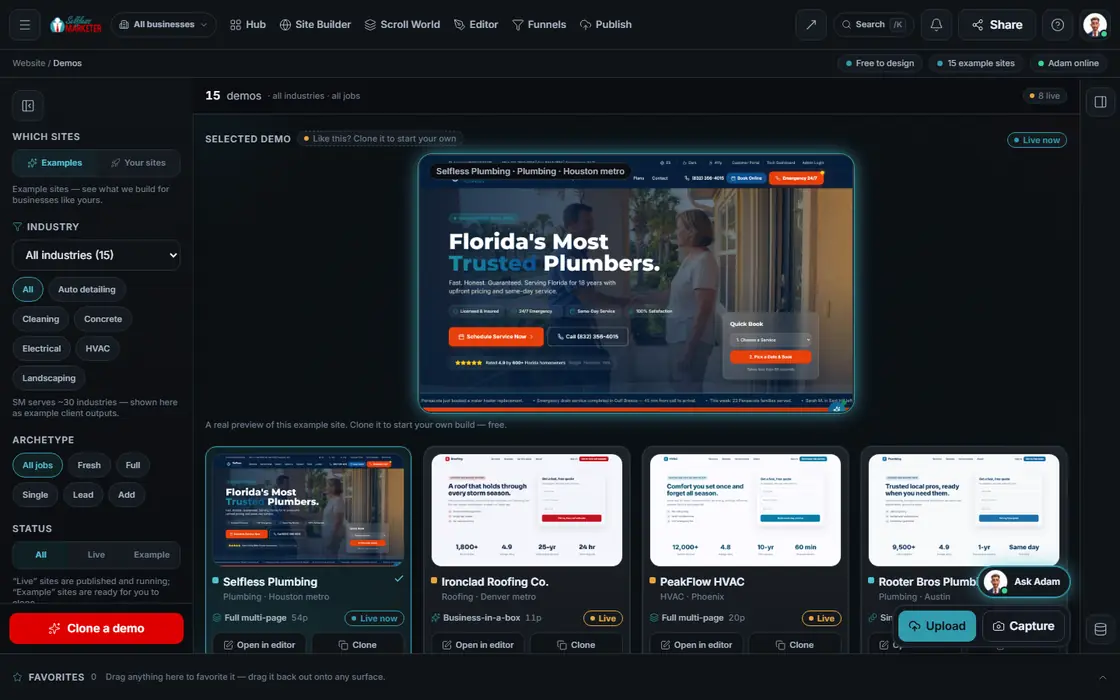 DemosThe live plumbing site and how to clone it
Questions owners ask about the website
I already have a website. Do I start over?
No. Paste it. Your assistant keeps what works and builds the rest. You approve the page plan before anything is built.
How long does it take?
All 14 steps fit in one sitting. The build is free and automatic, and nothing shows done until it is. After launch, edits take minutes, not a week.
Who owns the site?
You do. You own all the work, your site and your data.
What are the admin, the portal and the technician app?
The owner admin runs the business: CRM, jobs, invoices, inbox. Customers approve estimates, pay and message you in the portal. Your crew uses the technician phone app. Try all 3 on the live demo.
Do I need my own hosting?
No. Publish handles hosting, domain and the SSL security lock. Or host on your server, or keep DNS at your registrar.
Will Google treat all those city pages as spam?
No copy-paste city swaps. Each gets a unique intro and real local details; a quality gate holds thin or duplicate pages.
Keep going
Related pages
Try the OS
Our free trial is starting soon.
The same tools we use for our done-for-you clients. Our 7-day free trial is starting soon. Until then, book a call and a real person walks you through the OS. $997 a month, first month $497. No contracts.

YOUR TEAM runs it with the OS, or OUR TEAM runs it for you with Done-For-You. Not sure? Which one fits me?