






How it works
Tell your assistant once. Approve. Watch it run.
Tell your assistant about your business once. It plans across every department; you approve in one queue. It runs, and you see it all in one dashboard, every number labeled.
 example data
The idea
Everything online is connected. So it should live in 1 place.
Your website, Google profile, posts, reviews, ads and phone feed each other. “Everything online is connected, in the era of algorithms.” Spread over 10 to 20 places and people, nothing lines up and your brand looks different everywhere: the Frankenstein setup.
The OS puts it all in 1 place: Mission Control plus 6 departments: Website, Social, SEO, Ads, Content, Back Office. All work the same way: learn one, know them all.
Here's how: 4 daily steps, 7 layers under all work, 3 tiers of context your assistant reads first, and the rules that keep you in control.
The loop
The 4 steps
This is the whole loop. It's the same in every department, every day.
- 01
Tell your assistant about your business You
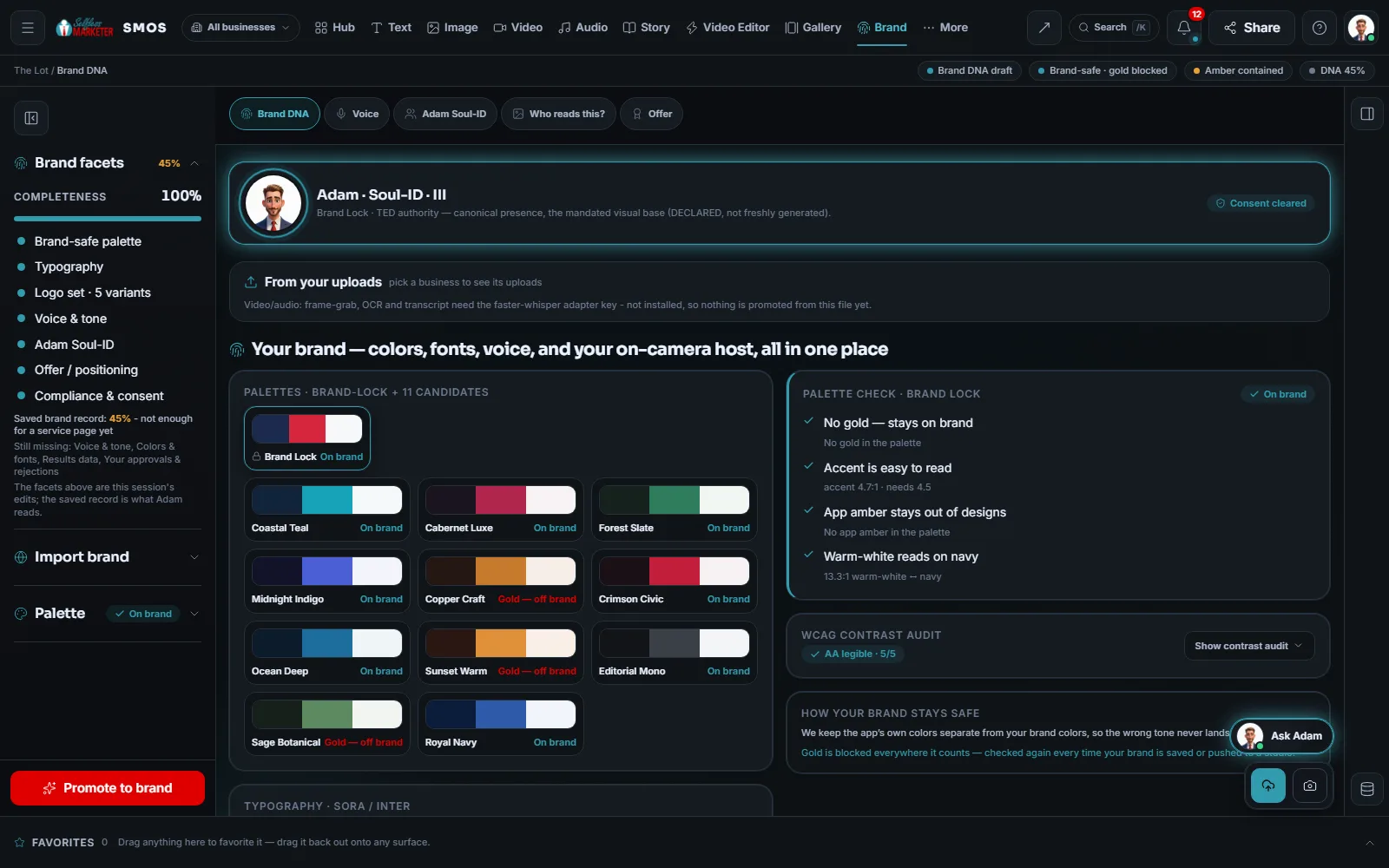
Once: services, area (cities, ZIPs or radius), offer and promise in your words, logo, colors, fonts, voice. Or paste your website. That's your Brand DNA, which every department works from.
example data - 02
You get the plan Free
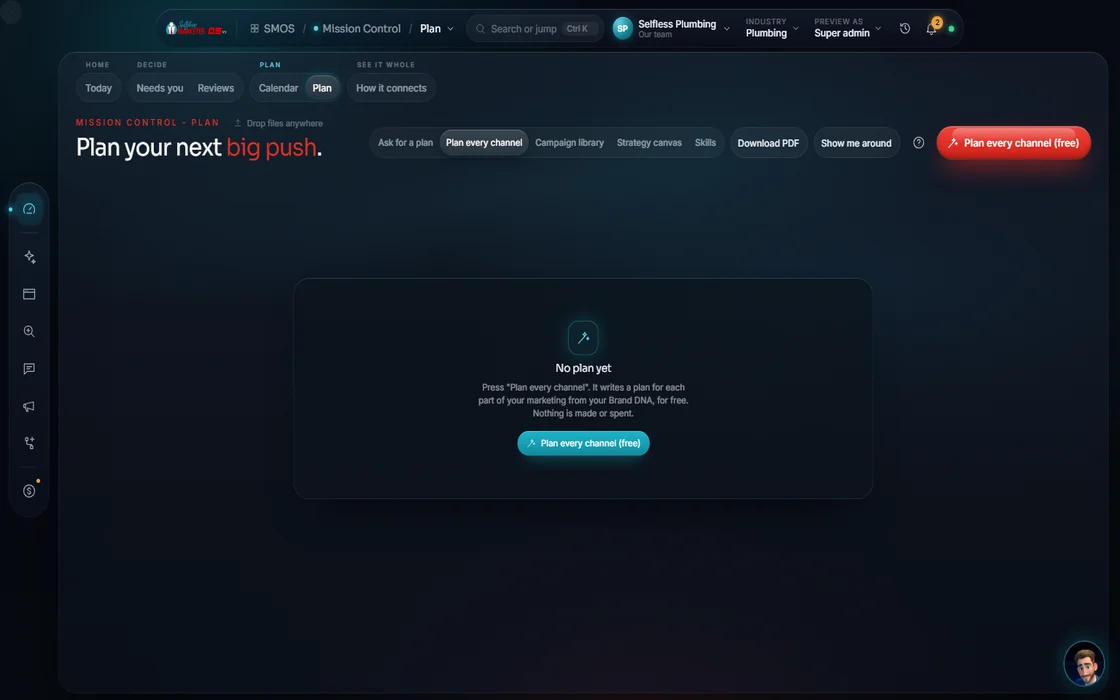
A week, month or quarter, every department. Each plan shows what runs, what needs connecting and the cost, with a $0 preview. Nothing is made until you say go.
 example data
- 03
You approve it Approve
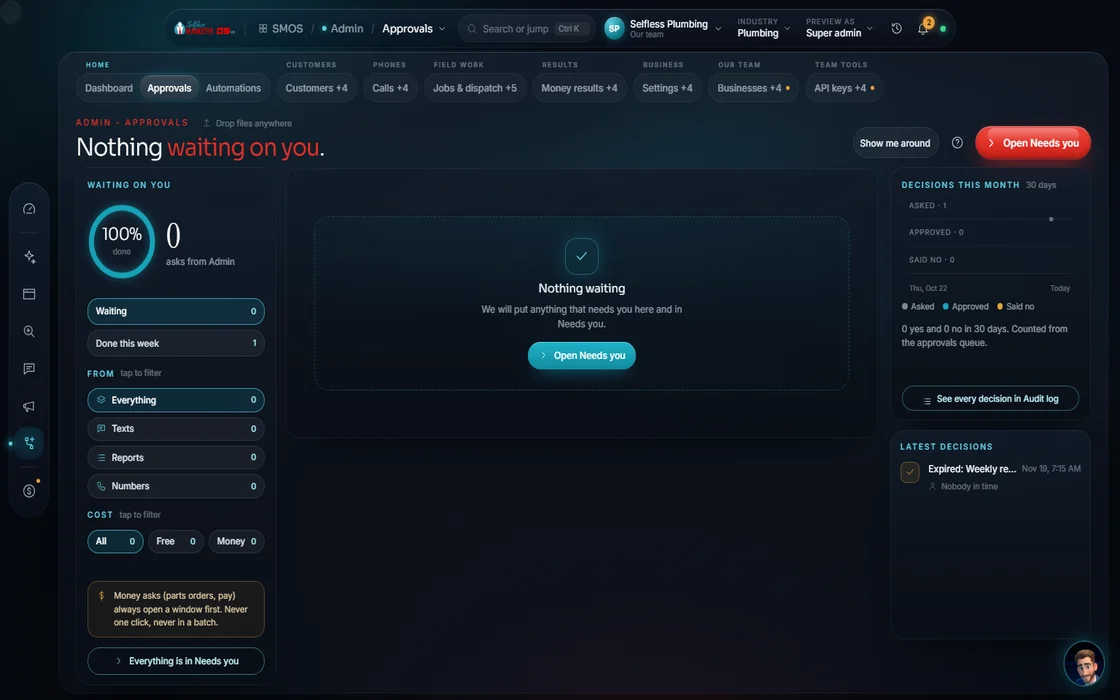
One queue for every post, page, reply and ad, explained in context. 7 checks run before anything sends. Approve in bulk or send back with a reason.
 example data
- 04
It runs, and you see all of it Your assistant
Posting, replying, booking, tracking and reporting in one dashboard, inbox, calendar and approvals queue. Reports per department, a spend-to-revenue money board, and Mission Control on the office TV.
 example data
The method
7 layers under every job
All work, from a Facebook post to a 54-page website, goes through the same 7 layers. You see the plan first; nothing costs money by surprise. After layer 7, work ships through the one calendar and the Dock.
You say it in plain words: a post, a campaign, a whole week, a new site.
Pick type and format: reel or carousel, full site or lead page.
The 3-tier boot fills in the rest: general know-how, your industry, your Brand DNA.
A $0 preview, storyboard or page plan before anything is made, with the cost shown.
Free engines go first. Premium engines run only when you approve the price.
The Screening Room and the launch check test claims, compliance, consent and quality. Failing work is blocked.
Change anything by clicking, or just tell your assistant.
Context
The 3-tier context boot
Before planning, your assistant reads 3 tiers of context, in order, so a Houston roofer's post doesn't read like a Denver dentist's.
- General: marketing know-how, our prompt playbook and the campaign library.
- Industry: the base sets for your trade: keywords, playbooks and the platforms where your buyers are.
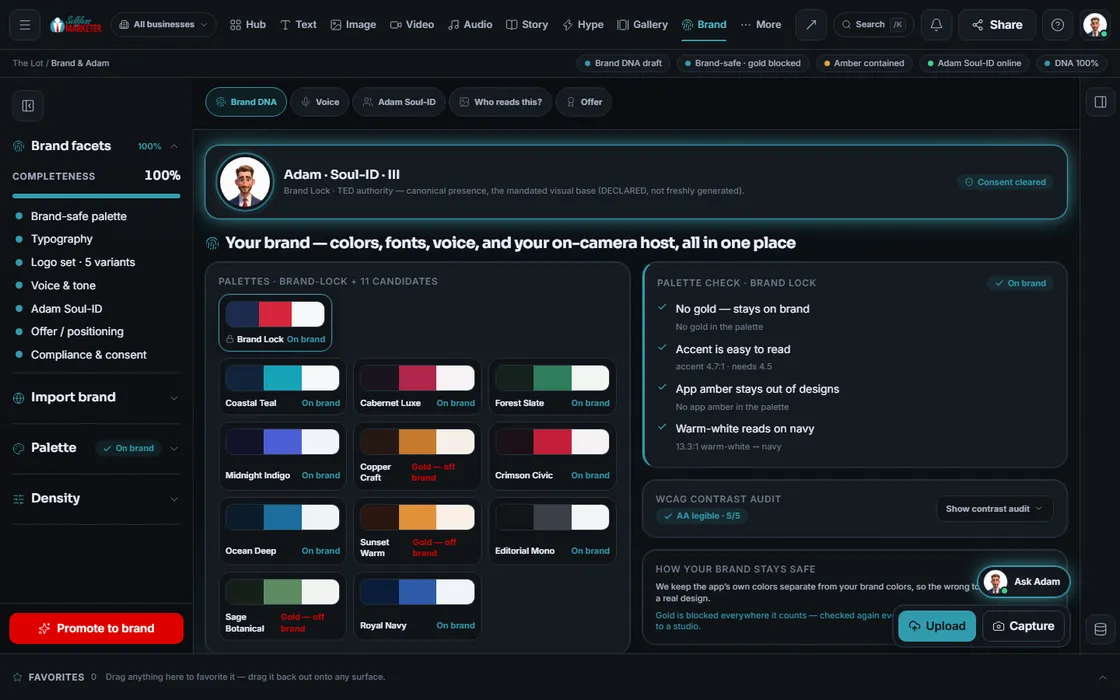
- Your Brand DNA: your logo, colors, voice, banned words, real jobs and real reviews, plus what you chose before and what happened recently.
 example data
Memory
It remembers your uploads, favorites and picks
The OS records everything: uploads, favorites, picks, winning versions, approvals and rejections, leads and every site you publish. So next week's suggestions rank by what your business chose, not an average.
Send a draft back and your reason (wrong timing, wrong network, factual error) teaches the next one. Winning ads get their creative boosted. Over time, plans look more like yours.
Control
Nothing goes out until you approve it
Every post, page, reply, review response, email, text and ad lands in one approvals queue, explained in context, so you know what you're approving.
- 7 checks run before a post can send (“Safe to send?”).
- A daily cap and 30-day spacing keep anything from going out too fast or too often.
- Approve in bulk, or send it back with a reason that teaches the next draft.
- Spend is always a separate request. You approve every dollar.
- One click is allowed only when every input is known, nothing is spent and every platform is connected. Even that one click is recorded as your approval.
- On Done-For-You, you can approve what you want to approve, or set the rule that we approve for you.
example dataHonesty
Every number labeled
You'll never have to wonder where a number came from. Each one carries a label.
| Label on your screen | What it means | Example |
|---|---|---|
| Real | Measured from a source you connected | Clicks from your Search Console; calls on a tracking number |
| Estimate | Worked out from what we know, and labeled so | Search volume before a keyword source is connected |
| Sample | Shown so you can see how it reads, never passed off as yours | A preview report before your accounts are connected |
Inside the OS the underlying tags are Measured, Derived, Modeled and Declared. If a source isn't connected, the screen shows a “connect” prompt or a dash, never a made-up number.
One place
One of everything
No second scheduler. No second inbox. No second login.
The departments
Mission Control + 6 departments
Every department follows the same method. Open one to walk its wizard, screen by screen.
Where do I stand? What needs me? What's the plan?
A 54+ page site plus an owner admin, a customer portal and a technician app.
Write once, post to every network you connect, one inbox for every reply.
A full keyword list across Google, Maps, YouTube, voice and AI answers.
10 platforms, every dollar approved first, then tracked to revenue once your ad account and phone line connect.
60+ formats; one idea becomes a week.
Never miss a lead; call to cash in one system.
What your first week looks like, day by day.
Two ways
Two ways to get it
Telephony, texting, live payments, live booking, ad spend and auto-publish are built, going live once your phone line, carrier approval, payment keys and accounts connect. Until then they're labeled; nothing fakes a “sent.”
On the way
Coming soon
These are planned and are not in the software yet. We list them so you know what is next.
Tap any card to see what feeds it and what it feeds.
Coming soon: V2Find the right shortcut by typing "/" or a word you know, with plain words on each.
Coming soon: V2Your thumbs up, favorites and fixes are saved so new drafts start closer.
Coming soon: V2Words show up on screen as they are written.
Coming soon: V2Change anything by talking, typing, clicking on it or remixing it.
Coming soon: V2Your assistant can take the steps for you, then hand back for your OK.
Coming soon: V3Each department shows its plan and the steps behind it before it makes anything, then you review and edit.
Coming soon: V3Suggestions get better from your own picks over time.
Coming soon: V3Questions about how it works
How much time does it take each day?
About 20 minutes a day: check the focus queue, answer questions, approve. Your assistant does the heavy lifting, or our team runs it.
Who is Adam?
Our brand character and the face of Selfless Marketer. Inside your OS, your assistant plans and does the heavy lifting; you decide, and your business keeps its voice. Adam isn't a person and isn't on your calls. Meet Adam.
What is Brand DNA?
Everything that makes your business yours: offer, service area, logo, colors, fonts, voice, banned words, real jobs and real reviews. Set it once; every department reads it.
What if I don't like what your assistant drafts?
Send it back with a reason. The reason teaches the next draft.
Do I need to connect all my accounts on day 1?
No. Start with what you have; screens show labeled estimates until a source connects. Your first week shows a good order.
Does it cost extra to make content?
Planning and previews are $0, and free engines go first. A premium engine runs only when you approve its price.
Keep going
Related pages
Try the OS
Our free trial is starting soon.
The same tools we use for our done-for-you clients. Our 7-day free trial is starting soon. Until then, book a call and a real person walks you through the OS. $997 a month, first month $497. No contracts.

YOUR TEAM runs it with the OS, or OUR TEAM runs it for you with Done-For-You. Not sure? Which one fits me?