







Website · Block Library
Every section, as a real preview. Pick it, and it wears your brand.
Browse every section your site can use, compare up to 4 side by side and add favorites to your build. Each themes itself to your Brand DNA.
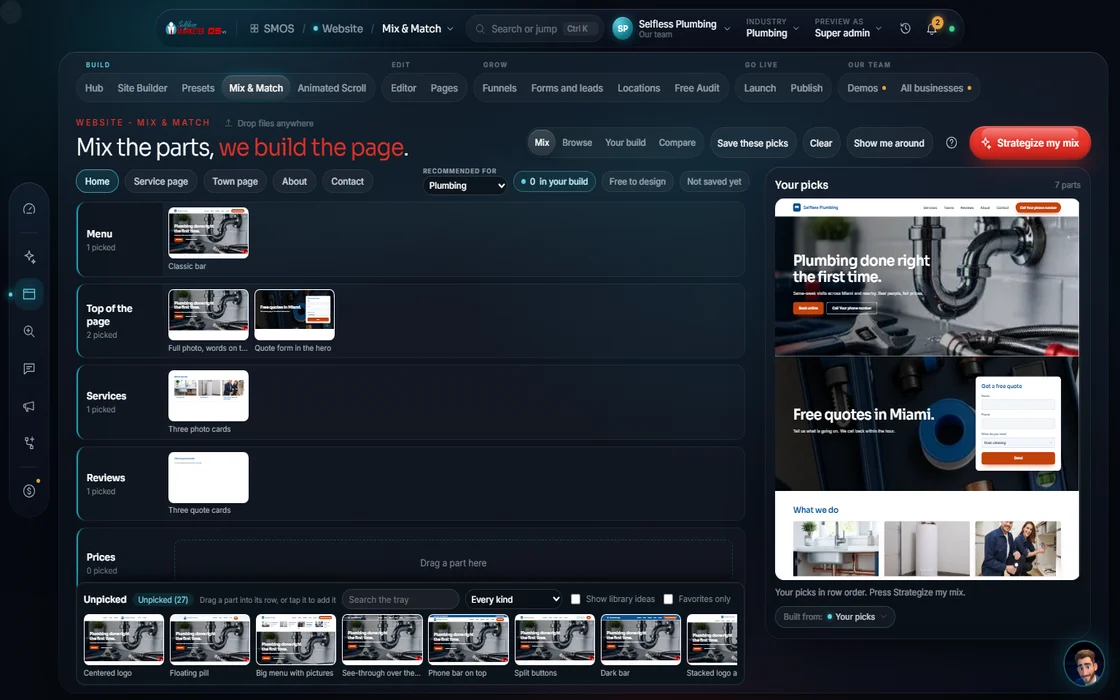 demo business
What it is
Shop for sections the way you'd shop for anything
The Block Library holds every section: heroes, proof, features, pricing, FAQs, footers and conversion blocks like booking and lead forms. Each tile is a real snapshot; tap plus to save it to your build list.
Page builders hand you a blank page and a hundred settings. Here you see good first, line up 4 options and keep the best fit.
Blocks are styled by job, not hex code. “Promise”, “proof” and “action” sections each pick up the right brand colors, so a site stays on brand even mixing 20 pieces.
 example data
Walk it
Find, compare, add in 4 steps
- 01
Browse every section
Search or filter by category, library or your favorites to find one fast.
example data - 02
Add with one tap You
Tap the plus on any tile. It lands on your build list and saves on its own.
- 03
Compare up to 4
Not sure? Line up to 4 blocks side by side, your build list stacked beside them.
- 04
Send it to your build Free
Your list feeds the Site Builder and the Editor, styled to your brand.
Everything included
Everything in the Block Library
Section families
- Navigation: 8
- Heroes: centered, left, offer, badges, review-proof, minimal
- Proof: 3-column testimonials, 4-up reviews, masonry, stat bar, logo badges, proof avatars
- Features: trio, services, alternating, bento, step cards, checklist
- Pricing: tiers, financing, toggle, guarantee, two cards
- FAQ: accordion, two-column, boxed, search
- Footers: columns, mega, CTA, newsletter, slim
- Conversion: 10 blocks
Tools
- Filter by category, library, favorites
- Favorites saved to your account
- Compare up to 4
- Build list in order
- Inspect any tile: library, category, how it themes
21st.dev marketplace
- Hero section
- Pricing table
- Navbar
- Feature grid
- Footer
- Contact form
- Bento grid
The rules it follows
- Show it real: Every tile is a real snapshot. If no blocks match your filters, the grid stays empty; nothing is faked to fill it.
- Theme it: Blocks take your Brand DNA by role on drop, never a raw color code.
- Remember: Picks save to your account. Offline, it says “not saved yet” instead of pretending.
- Hand off: Your list feeds the Site Builder and the Editor.
Who runs it
YOUR TEAM with the OS, or OUR TEAM for you.
- Browse and favorite
- Compare and pick
- Use the live marketplace once we switch it on
- Themes every block to your brand
- Saves your basket
- Feeds it into the build
- Picks and arranges sections for you
- Adds conversion tools: booking, quotes, calls
- Designs custom sections when a stock one won't do
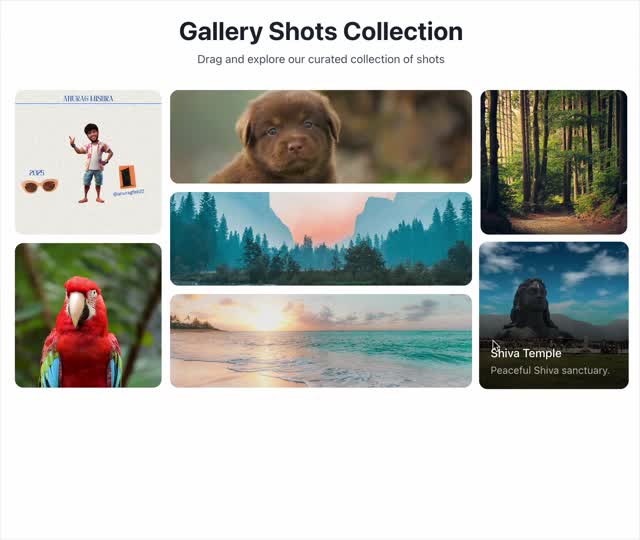
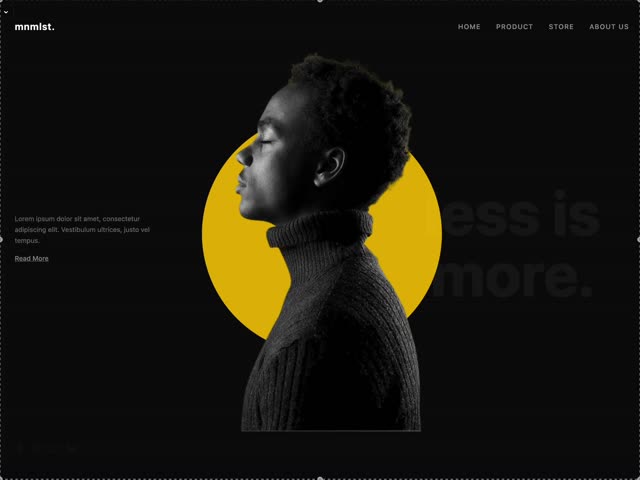
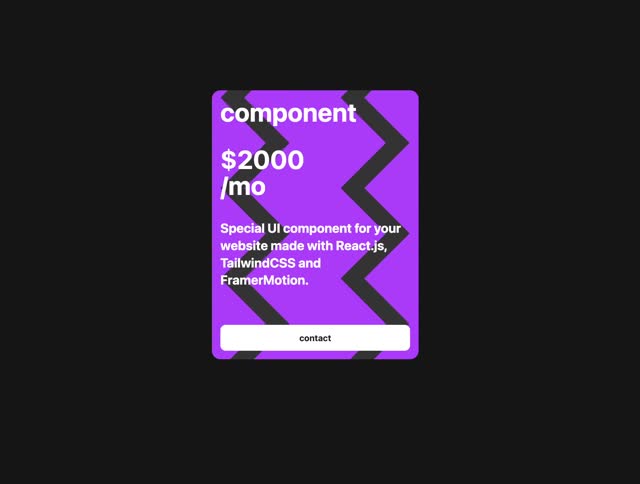
The marketplace
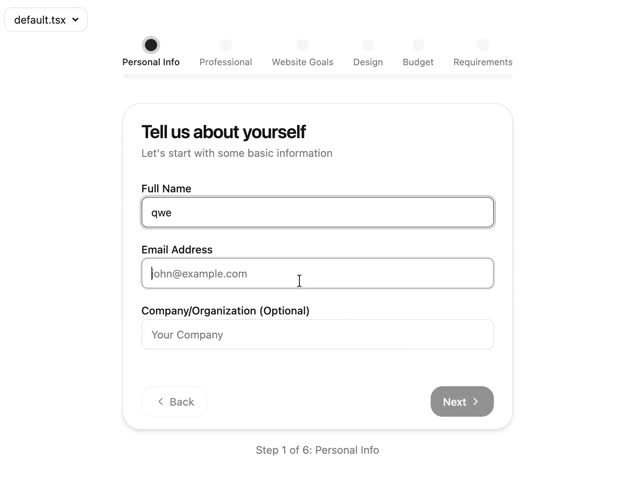
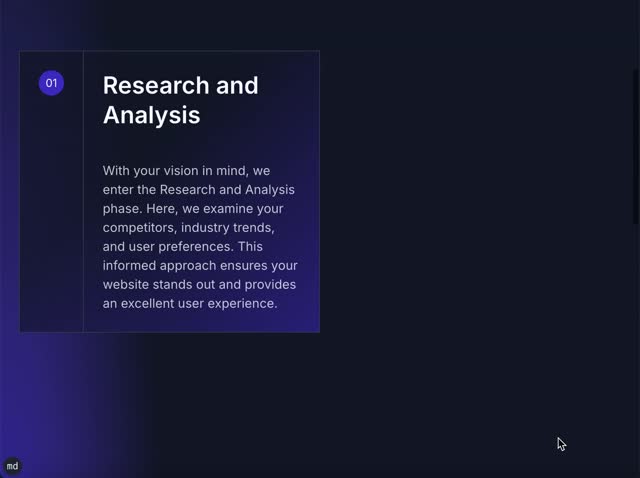
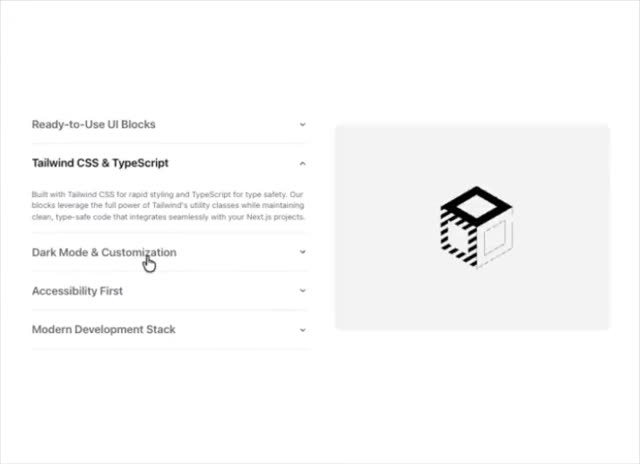
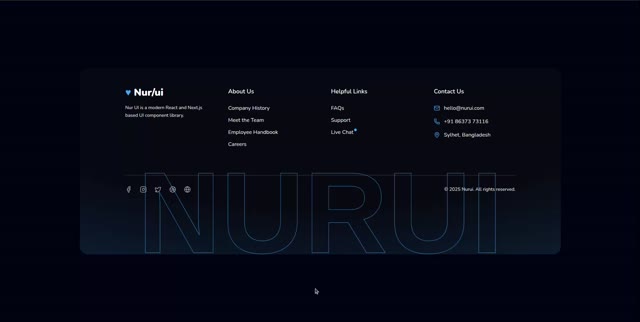
Components from the live marketplace
 example data
 example data
 example data
 example data
 example data
 example data
The library is built and free. The live 21st.dev marketplace switches on when we connect it; until then the panel says so, showing nothing fake. Counts here are Product facts.
On the way
Coming soon
These are planned and are not in the software yet. We list them so you know what is next.
See lots of picture options for each part of the page and pick more than one.
Coming soon: V2More ready blocks, shown in your own brand colors.
Coming soon: V2The design pieces you pick show up in your finished site.
Coming soon: V2Keep going
Related pages
Try the OS
Our free trial is starting soon.
The same tools we use for our done-for-you clients. Our 7-day free trial is starting soon. Until then, book a call and a real person walks you through the OS. $997 a month, first month $497. No contracts.

YOUR TEAM runs it with the OS, or OUR TEAM runs it for you with Done-For-You. Not sure? Which one fits me?