







Guide · Website
What a local business website needs in 2026.
Not a brochure. Your 24/7 Conversion Machine. The must-haves, the pages, the back office behind it and the checks to run before you launch. In the OS, this lives in the Website department.
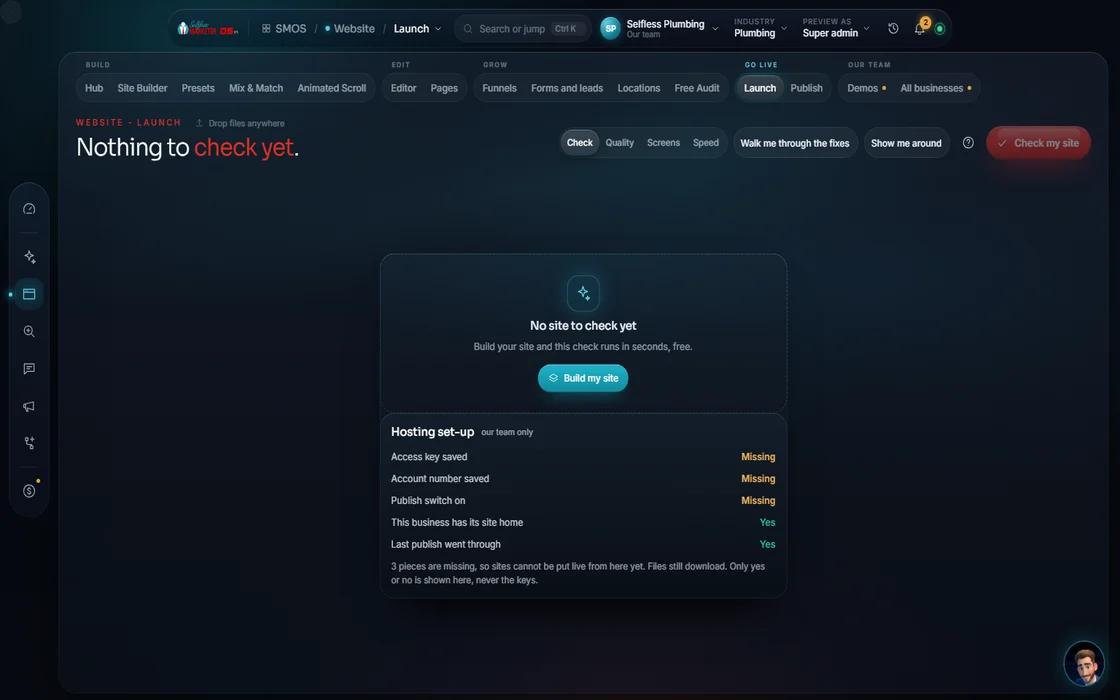 demo business
Your website's real job
Your customer is Googling you from the parking lot at 6:47 AM. Your website better look good on a phone. And it better make it easy to call.
A local business website isn't a brochure. It's your 24/7 conversion machine: it does the selling and telling for you before your customers even call. This guide is the checklist we use. In the OS, this work lives in the Website department, from the Site Builder to the Launch Check.
The must-haves on every page
- A phone number you can tap, at the top of every page, on every phone.
- One clear action per page. Call now, book a time, or get my estimate. Pick one and make it the biggest button.
- Your name, address and phone, exactly the same as on your Google Business Profile.
- Real photos of your crew, your trucks and your work. Never stock.
- Real reviews, word for word, with a link to where they came from.
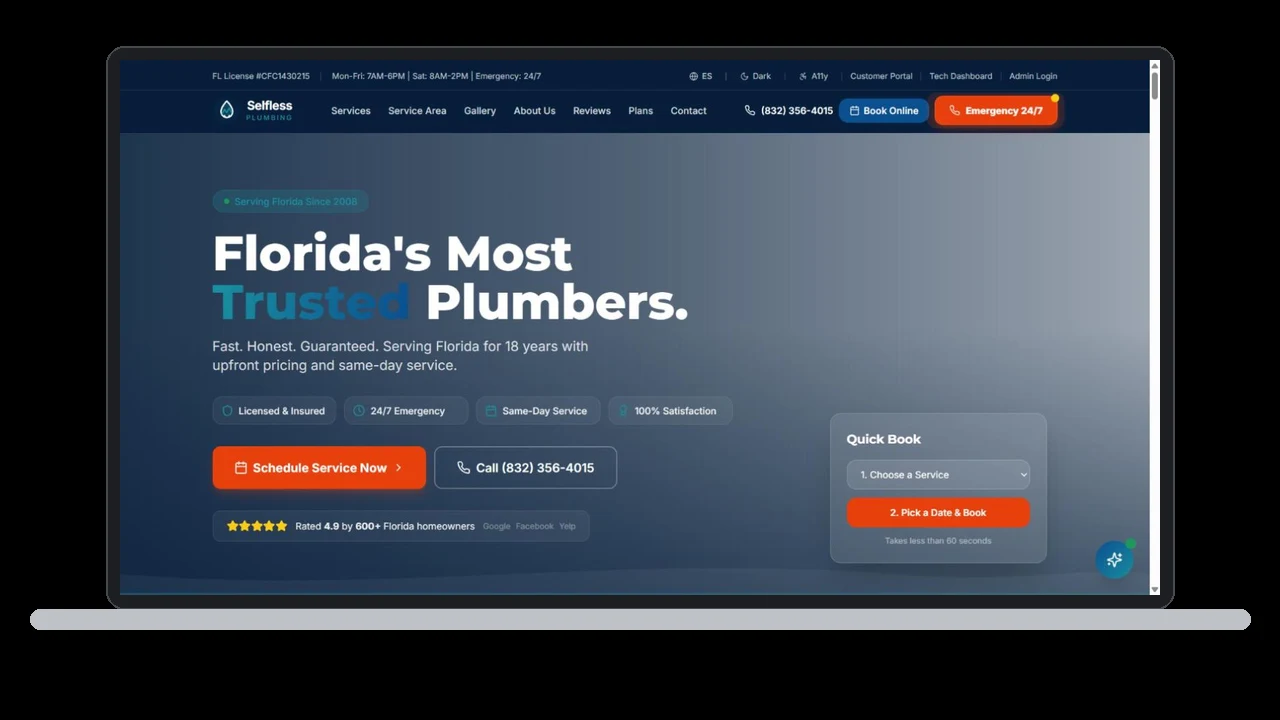
- A trust row under the button: license, insurance, years in business, your guarantee if you have one.
The pages you need
- Home. Who you are, what you do, where you do it, and the one action.
- A page for every service. Not one "Services" page with a list. A full page for drain cleaning, one for water heaters, one for repiping. Each one answers the questions people ask about that service.
- A page for every town you really serve, with its own intro. Not the same page with the town name swapped; those are called doorway pages and they can hurt you.
- About. Your story, your team, how long you've been at it.
- Reviews and a gallery of real jobs.
- Contact and booking, with a form that asks only what you need.
- Legal pages: privacy, terms, and SMS terms if you text customers.
The answers people want before they call
Write the answers to the questions you hear on every call: how much does it usually cost, how fast can you come, do you offer financing, are you licensed, what areas do you cover. Put each one under its own heading on the right service page, and answer it in the first couple of sentences. This is what Google and AI engines quote. More in how to show up in AI answers.
Write it in your words
Your website should sound like you on your best day, not like every other site in your trade. Skip the filler: "quality service," "customer satisfaction," "we're the best." Every company says that. Say what's true and specific instead: how fast you show up, what your warranty covers, how long you've been in business, what your crew does differently.
Use your customers' words, too. They don't search "residential hydronic solutions"; they search "boiler repair near me." Name your services the way people say them on the phone.
And keep it the same everywhere. Your logo, colors, phone number, offers and voice should match on your website, your Google profile, your social pages and your ads. When one company does your site and another does your social, that's where it falls apart.
Fast, safe and readable
- Fast on a phone. If it takes too long to load, they hit back and call the next name.
- Secure (the padlock, called SSL).
- Readable: strong contrast, big enough text, a description on every image for people who use screen readers.
- Search basics on every page: a title of 50-60 characters, a description of 150-160 characters, one main heading, your main keyword in the first 100 words, and at least 3 links to your other pages.
- Schema (the labels search engines read) for your business, your services and your questions. Labels must match what's on the page. No fake ratings.
Every form is a lead
A form that sends an email to an inbox nobody checks is a lead lost. Every form on your site should create a contact, land in one inbox, send a quick text or email back, and start a follow-up. That's how it works on our own site and on every site the OS builds.
The back office behind the site
The best local websites don't stop at the public pages. Behind them sit the tools that turn a visit into a paid job: a dashboard to run the business (contacts, jobs, invoices, messages), a portal where customers approve estimates and pay, and an app for your crew in the field. We call these the four faces.
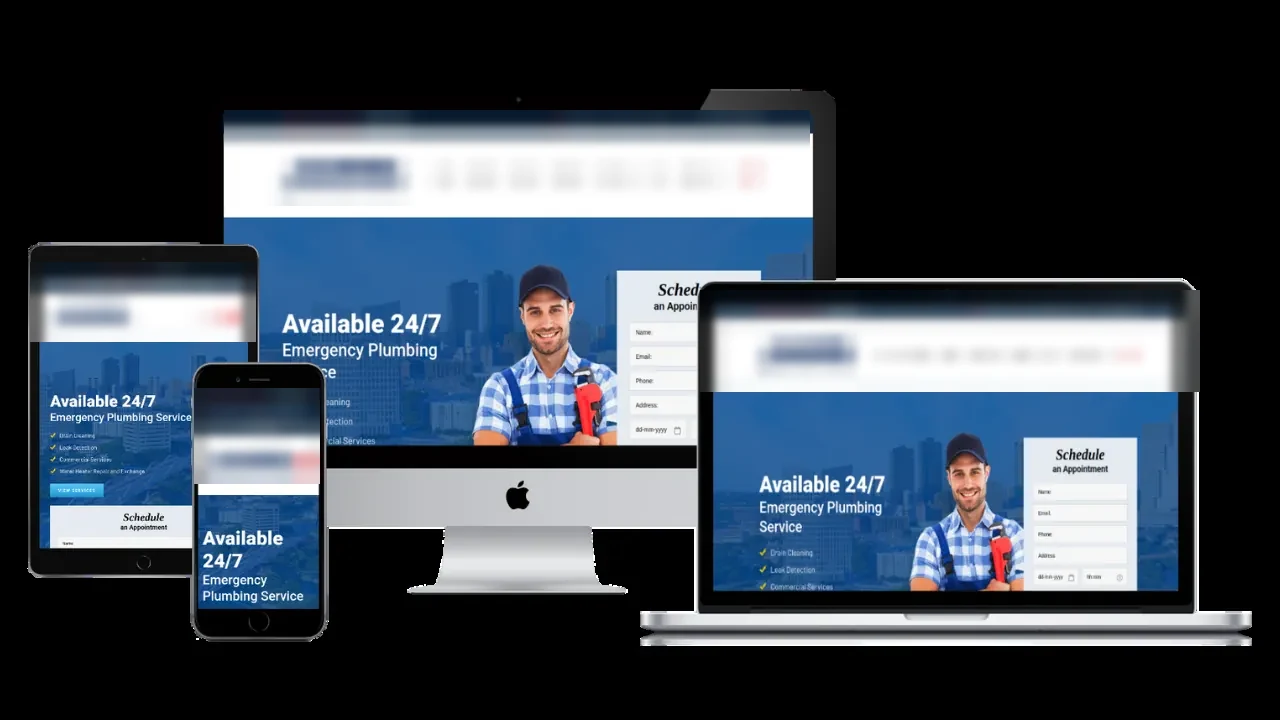
You can see one working right now at plumbing.selflessmarketer.com: 54+ pages, an owner admin, a technician app and a customer portal, with demo logins on each login page (Real). See live demos.
Check it before you launch
Before any site goes live, run it through a checklist. Ours has 24 content checks in 6 groups (Product fact):
- Placeholder and filler: no "lorem ipsum," no leftover template text.
- Copy: every page says something different; no copy-paste pages.
- Structure and action: every page has a clear next step.
- Design and contrast: readable on every screen.
- Media and images: real, sized right, described.
- Honesty and facts: no claim you can't back up.
Then test speed, search basics and accessibility, and look at real screenshots on a phone, a tablet and a desktop. We never fake a passing score.
What to skip
- Sliders and carousels on the home page. Nobody waits for slide 3.
- Stock photos of people who don't work for you.
- Fake "most popular" badges and numbers you can't prove.
- Fancy scroll effects on emergency pages. Someone with water on the floor needs the phone number, not a movie.
- Long forms. Ask for name, phone and what they need. That's it.
Own it
Before you sign with anyone, ask: who owns the domain, the site and the data? With us, you own all the work. If a company won't give you the keys, think hard. More in how to choose a marketing company.
Questions to ask whoever builds it
Whether it's us, another company or your nephew, ask these before you pay a dollar:
- Who owns the domain, the site files and the content when we're done?
- How fast are changes made, and can I make small ones myself?
- Will I get a full page for every service and every town I serve?
- Where do form leads go, and what happens in the first 5 minutes?
- Is hosting, the padlock (SSL), backups and speed included, or extra?
- Can customers book or request an estimate right on the site?
- How will I know it's working? Which numbers will I see, and how often?
- What happens to the site if I stop paying you?
If the answers are vague, the site will be too.
How long should it take?
Owners tell us the same story: they pay, then wait 2 or 3 weeks for a website, and every revision takes a few days to a week. It doesn't have to. In the OS, you describe your business once (or paste your current site and your assistant reads it), pick a look, approve the page list, and the build is free. Revisions are a sentence to your assistant. Nothing goes live until you approve it, and the Launch Check runs before you publish.
See one working
Open a real one right now
How the numbers on this page are labeled: outside stats name their source in the sentence. Counts and rules about the OS are Product facts (what the software does or has). Sample texts are Samples, written to show the shape, not quotes from real customers. Nobody can honestly promise you a ranking, and we don't.
Keep going
Related pages
Try the OS
Our free trial is starting soon.
The same tools we use for our done-for-you clients. Our 7-day free trial is starting soon. Until then, book a call and a real person walks you through the OS. $997 a month, first month $497. No contracts.

YOUR TEAM runs it with the OS, or OUR TEAM runs it for you with Done-For-You. Not sure? Which one fits me?