







Paid Ads · Spend Gate
You approve every dollar. Every one is logged.
Nothing in the OS spends on its own. Launches, budget shifts and per-lead charges wait at the Spend Gate. What you approve is paced to your monthly cap and logged in a ledger.
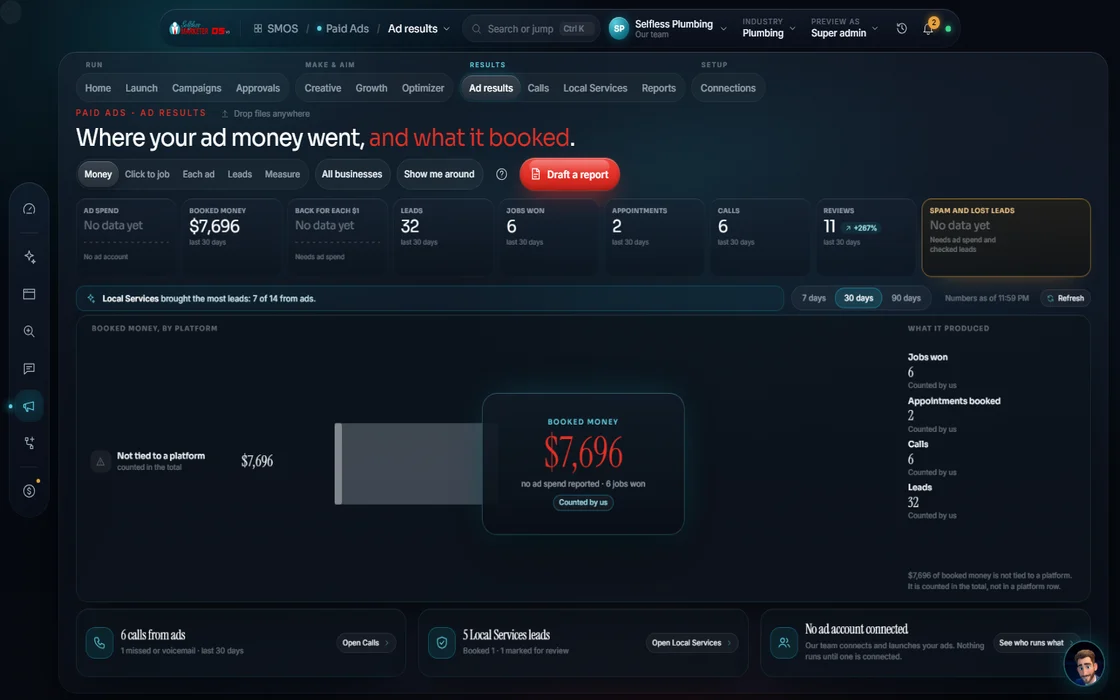 demo business
What it is
The rule under every ad screen
Paid ads are like turning on a faucet: the point and the risk. The Spend Gate keeps it in your hand. Your assistant drafts $0 plans, campaigns and creative. Spend is authorized only at launch, with your approval.
A dollar moves only with 2 things: a real connected ad account, and your yes. Until then approved items read "Held: $0 spent"; rejected, "Rejected: nothing spent". No third path.
- Launches, budget shifts and Local Services charges all stop here
- Accepted shifts go one at a time
- Every spend request also shows in the one approvals queue
Walk the gate
What happens to a spend request
- 01
A request is made Your assistant
A launch from the Launch Builder, a shift from the Optimizer, or a lead charge from Local Services.
- 02
It shows the cost first Your assistant
The amount, the channel, and how it paces against your monthly cap.
- 03
You decide Approve
Approve, or reject with a reason that teaches the next draft.
- 04
The ledger records it Your assistant
What was approved and how much. Every time.
- 05
Pacing keeps watch Your assistant
Approved spend is paced to the cap, with a halo when anything runs ahead.
Everything included
What the gate holds
Gated actions
- Campaign launch
- Budget shift
- Local Services per-lead charge
- Pushing a creative live to paid
- Premium engine use
Controls
- Monthly cap
- Pro-rated pacing
- Over-pacing halos
- Approve or reject with a reason
- One-at-a-time accepts
Records
- Ledger of every spend approval
- Held: $0 spent
- Rejected: nothing spent
- Usage ledger for engine costs
- Same items in the one approvals queue
The rules it follows
- Paid generation: Premium engines quote first and ask; you're charged on what came back, and cached or skipped work is released.
- Spend the included $500: On Done-For-You, the team manages the $500/mo of included ad spend inside the same gate; you see each shift and why.
Who runs it
YOUR TEAM with the OS, or OUR TEAM for you.
- Approve or reject every spend request
- Read the ledger whenever you like
- Stops every paid action at the gate
- Shows the cost before you decide
- Paces approved spend to the cap
- Logs every decision
- Manages the $500/mo of included ad spend
- Shows you each shift and why
- Explains every move in your weekly report
Free tool
Plan a starting ad budget
What should you spend on ads?
Jobs ÷ close rate = leads needed; leads × cost per lead = the budget. Done-For-You includes $500 a month of ad spend on top of the management.
Live spend stays off until your ad account connects and you approve. On Done-For-You, our team manages the included spend, every move in your dashboard.
On the way
Coming soon
These are planned and are not in the software yet. We list them so you know what is next.
Press and hold to approve spend, so nothing is approved by accident.
Coming soon: V2Keep going
Related pages
Try the OS
Our free trial is starting soon.
The same tools we use for our done-for-you clients. Our 7-day free trial is starting soon. Until then, book a call and a real person walks you through the OS. $997 a month, first month $497. No contracts.

YOUR TEAM runs it with the OS, or OUR TEAM runs it for you with Done-For-You. Not sure? Which one fits me?