








Goal: answer the surge after a storm
When the storm hits, be the one who answers. Fast, honest and time-boxed.
Storm & Emergency Response is a 10-day surge for events: emergency banner and storm page, map and neighborhood posts, safety texts to past customers, insurance help, a report on every call. Real capacity. No fake urgency.
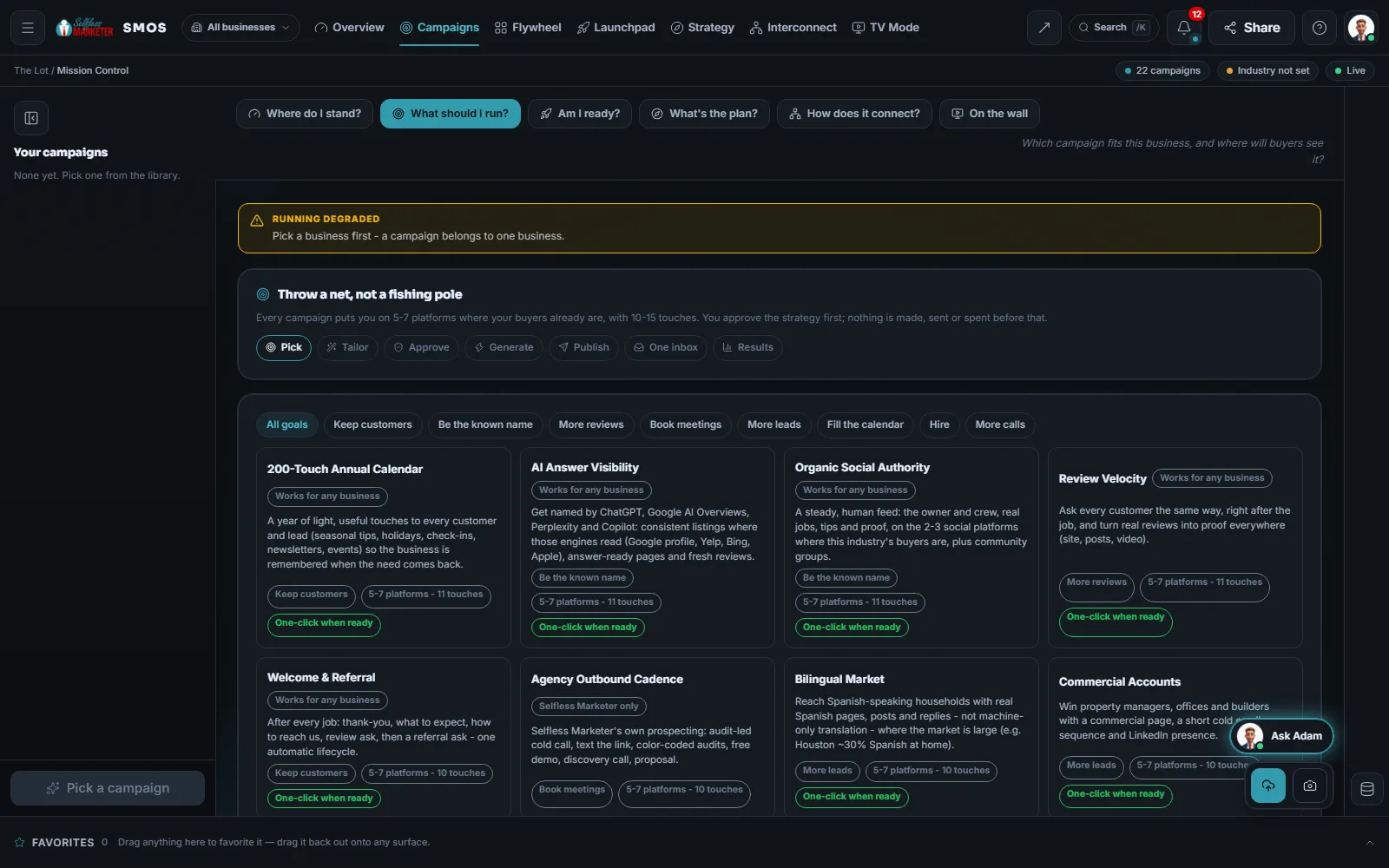 example data
What it does
After a storm, the phones ring all at once
After a storm or freeze, people need help now and call whoever shows up first with a clear contact. Built for that emergency moment.
On the Gulf Coast, hurricane season runs June 1 to November 30 and peaks around September 10 (National Hurricane Center). When Hurricane Beryl hit in July 2024, it cut power to more than 2.5 million customers around Houston (Gulf News, 2024). Freezes and hail bring the same rush inland.
When an event hits, tell us 2 things: what happened and how many jobs you can really take. Everything is sized to that, so you never overpromise.
- An emergency banner that knows your hours, plus a storm page
- A map post: we're taking emergency calls, real capacity only
- Neighborhood safety tips and how to reach you
- A safety check text to past customers who agreed to texts
- Insurance help: how to document the damage
- A recovery update, then a report on calls and jobs
The plan
The touch plan, day by day
10 touches across 10 days (Product fact: from our campaign library). 3 go out on Day 0. The Day 1 ad budget raise is a separate spend request; nothing waits on it.
Emergency banner
Hour-aware emergency banner + storm page
GBP post
We are taking emergency calls - real capacity only
Nextdoor post
Safety tips + how to reach us (no fear-mongering)
Safety text
Consented past customers: safety check + priority line
LSA boost
Local Services / search budget raise (spend request)
Crew update
Real crew-on-site update
GBP post
Insurance-claim help post
Claim guide
How to document damage for insurance
Update post
Recovery update + availability
Surge
Calls and jobs from the surge
The template's dated touches. The OS tailors each one from your Brand DNA and the platforms you have connected; nothing goes out until you approve it. Product fact
What it needs
7 answers, and where each one comes from
5 are already on file. 2 we ask when the event hits, because only you know them.
| Input | Where it comes from | What it's used for |
|---|---|---|
| Services you sell | Brand DNA | Which emergency jobs the storm page offers |
| Cities and ZIPs you serve | Brand DNA | Where the posts and texts go |
| Your offer or promise, in your words | Brand DNA | The storm page and banner |
| Phone that answers | Your business profile | The priority line on every touch |
| Your public review link | Your business profile | Shown on the storm page as proof |
| What happened (storm, freeze, hail) | We ask you | The wording of every touch |
| How many jobs you can take | We ask you | The capacity every post states |
Product fact: the required inputs of the Storm & Emergency Response template.
What it builds
The pages it adds and what it switches on
A /storm-damage page from the Storm Response template, with a banner that changes with your hours. City pages get the same banner.
A website template that walks a homeowner through documenting damage for their claim.
A budget raise for Local Services or search ads, filed as a separate spend request.
Counts the calls that come in during the surge, once your tracking numbers are connected.
Pairs well: a missed call gets a text back once your phone line is connected, so a busy crew doesn't lose the job.
Calls, texts, forms and DMs from the surge land in the one inbox.
Nothing starts until you press Activate. With no ad spend change, Activate is your logged approval; otherwise each post, send and spend waits in Approvals. Rules: no fake urgency or countdowns, no price-gouging, honest capacity, texts only with consent. Safety texts go live once phone line and carrier approval connect. Campaigns never fire ad spend; the budget raise is a separate spend gate request.
How you'll know
What we watch, and where each number comes from
| What we watch | How it's measured |
|---|---|
| Calls during the surge | Measured, from call tracking |
| Jobs booked | Measured, from your jobs and bookings |
Day 10 reports the calls and jobs from the surge. Every number shows its source.
Who does what
You run the crews. The OS runs the word.
- Press Activate when an event hits
- Tell us what happened and how many jobs you can take
- Send real photos of your crew on site
- Approve the ad budget raise, or skip it
- Puts up the banner and storm page
- Your assistant drafts the map, neighborhood and social posts in your voice
- Sends safety texts to consented past customers
- Logs every call, text and form in the one inbox
- Reports calls and jobs on Day 10
- Runs the surge for you on Done-For-You
- Writes every post to your real capacity
- Updates the posts as your capacity changes
- Moves your included ad spend where the calls are, with your OK
On Done-For-You, $500 a month of ad spend is included.
Who it fits
Built for the trades storms call first
Can I get it ready before the storm?
Yes. Fill your services, area, offer, phone and review link in Brand DNA before the season. When an event hits, answer 2 questions and press Activate.
Will you write "only 2 spots left" to rush people?
Not unless it's true. No fake urgency, fake countdowns or price-gouging language. Every post states the capacity you gave us.
Do you raise my ad budget on your own?
Never. The Day 1 budget raise is a separate spend request. Approve or skip it; the rest runs either way.
Do you give insurance advice?
No. We publish practical help on documenting damage, in your words, and point people to their insurer. It isn't insurance advice.
Keep going
Related pages
Try the OS
Our free trial is starting soon.
The same tools we use for our done-for-you clients. Our 7-day free trial is starting soon. Until then, book a call and a real person walks you through the OS. $997 a month, first month $497. No contracts.

YOUR TEAM runs it with the OS, or OUR TEAM runs it for you with Done-For-You. Not sure? Which one fits me?