








Goal: keep the customers you won
The job is done. The relationship just started.
Welcome & Referral runs after every job: thank-you, all-well check, fair review ask, care tips, referral ask and a 90-day check-in. 1 lifecycle, started by your CRM; each send waits for your OK.
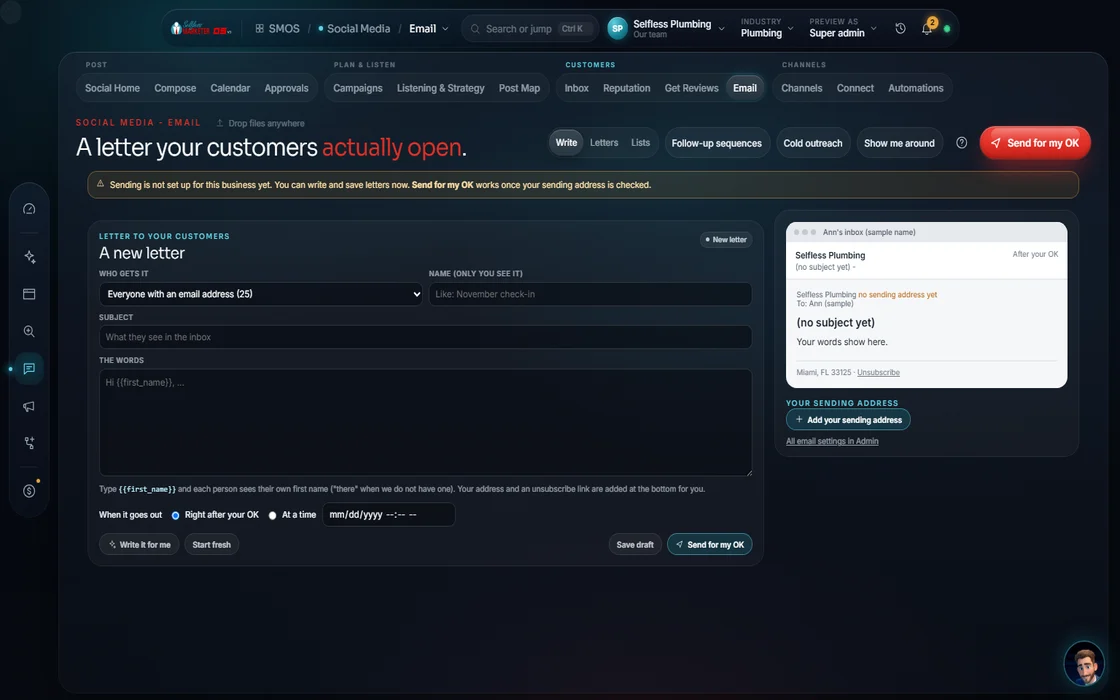 demo business
What it does
Your happiest customer is your cheapest lead
Most businesses finish the job and go quiet. The customer forgets you and calls someone else. This campaign works right after purchase, while you're top of mind.
The order is on purpose. Day 0: thank you. Day 1: an all-OK check, so problems reach your inbox before a review. Day 2: the review ask. Day 30, after care tips: the referral ask.
Turn it on once jobs flow through the CRM, and leave it on. Every finished job starts its own lifecycle.
- Thank-you, check-in and care tips that help
- 1 review ask, the same for every customer
- A referral ask, kept apart from the review ask
The plan
The touch plan, day by day
10 touches across 90 days (Product fact: from our campaign library): 5 emails, 2 consented texts, 1 review ask, 1 social job story with the customer's OK and 1 Google profile customer story.
Welcome
Thank you + what happens next
Check
Consented: everything OK?
Review ask
Same public review ask
Job story
Job story (with the customer's OK)
Care tips
Care / maintenance tips
Care reminder
Consented care reminder
Referral
Referral ask (no review incentives)
GBP post
Customer story post
Season tip
Seasonal tip
Check-in
90-day check-in
The template's dated touches. The OS tailors each one from your Brand DNA and the platforms you have connected; nothing goes out until you approve it. Product fact
What it needs
5 answers, and where each one comes from
The OS fills in what it knows. Customer details come from the job in your CRM. Nothing is invented.
| Input | Where it comes from | What it's used for |
|---|---|---|
| Services you sell | Brand DNA | Which care tips and seasonal tips each customer gets |
| Cities and ZIPs you serve | Brand DNA | Local details in tips and the customer story |
| Your offer or promise, in your words | Brand DNA | The thank-you and the referral ask |
| Phone that answers | Your business profile | "How to reach us" in every message |
| Your public review link | Your business profile | The 1 link in the Day 2 review ask |
Product fact: the required inputs of the Welcome & Referral template.
What it builds
The pages it adds and what it switches on
A simple page for people your customers refer. Referral links with click and conversion tracking built in.
A finished job in the CRM starts the lifecycle. No list to upload, no one to remember.
1 ask with your public review link, sent the same way to every customer.
Thank-you, check-in, care tips, care reminder, referral, seasonal tip and the 90-day check-in, each on its day.
With the customer's OK, the job becomes a social post on Day 3 and a Google profile post on Day 45.
"Everything OK?" gets real answers. Each lands in the 1 inbox so you fix problems fast.
Nothing runs until you approve the strategy; each text and email batch waits in Approvals. Texts need recorded consent; STOP is always honored. Emails carry your address and a 1-click unsubscribe. Review asks follow the FTC: same for all, no reward. Job stories post only with the customer's OK. Texting goes live once your phone line and carrier approval are connected. No ad money is spent.
How you'll know
What we watch, and where each number comes from
| What we watch | How it's measured |
|---|---|
| Reviews that came from the lifecycle | Measured, from your review sources |
| Referrals | Measured, from referral links and your CRM |
Every number on your board shows its source.
Who does what
You do the job. The follow-up does itself.
- Approve the strategy and each batch of messages
- Mark jobs done, so each lifecycle starts on time
- Fix anything the Day 1 check turns up
- Ask the customer's OK for a job story
- Starts a lifecycle for every finished job
- Your assistant drafts every message in your voice, not its
- Runs each touch on its day, behind consent, STOP and quiet hours
- Tracks reviews and referrals back to the lifecycle
- Runs the whole plan for you on Done-For-You
- Writes the care tips and seasonal tips for your trade
- Turns your best jobs into stories, with the customer's OK
See how reviews work across the OS in Reviews & Reputation.
Who it fits
Built for any local business. These live on repeat customers.
What if a customer wasn't happy?
The Day 1 check catches it; the reply lands in your inbox. The review ask still goes to everyone, since asking only happy customers is review gating, which the FTC bans.
Can I offer a reward for a review?
No. Paying for reviews breaks FTC rules, so the ask never carries a reward. The referral ask goes out separately, weeks later.
Does it send by itself?
It runs on schedule, but each batch waits for your OK in Approvals. Texts go only to customers who gave consent.
Do I need a separate CRM?
No. The CRM is built into the OS. A finished job there starts the lifecycle.
Keep going
Related pages
Try the OS
Our free trial is starting soon.
The same tools we use for our done-for-you clients. Our 7-day free trial is starting soon. Until then, book a call and a real person walks you through the OS. $997 a month, first month $497. No contracts.

YOUR TEAM runs it with the OS, or OUR TEAM runs it for you with Done-For-You. Not sure? Which one fits me?